

Add-On Solutions

Automate Instant Travel Updates to Your Customers

Notify by Sembark transforms how travel businesses communicate by automating every update across the booking journey. From lead conversion to bookings, payments, vouchers, and trips, it sends real-time WhatsApp notifications to customers, agents, and teams. This keeps everyone aligned, reduces missed follow-ups, & ensures nothing is delayed.

Request 30 min Demo
Sembark Travel Software

4.9

Google

Google Review

79 reviews

A Personalised Demo Built for Travel Teams

See real workflows, real data, and real results with Sembark

star-rating

Proven Travel CRM

4.9 Star Google Rating

best-support

Real Support

No bots, only experts

winner

Industry Built

Designed exclusively for DMCs

Neptune Holidays Logo

"Employees can easily find and book the most cost-effective and convenient travel arrangements. The software's ability to consolidate various travel options into a single, easy-to-navigate platform"

Testimonial author

- Pankaj Bagri, Director

A day in your office

Workflow Challenges Travel Businesses Face Before Switching

Hours spent on manual typing

Teams spend hours sending repetitive updates, booking confirmations, payment reminders, & vouchers. It’s time-consuming, inconsistent, and not scalable.

Communication is either missed or delayed

Important updates (payments pending, vouchers, trip reminders) get delayed or forgotten, damaging customer trust & conversions.

Clients constantly chasing for updates

Customers & agents keep chasing for status updates, increasing pressure on the team & frustrating clients.

How It Works

Turn every travel conversation on autopilot so you never chase updates again
  1. 1

    Activate & Set Up

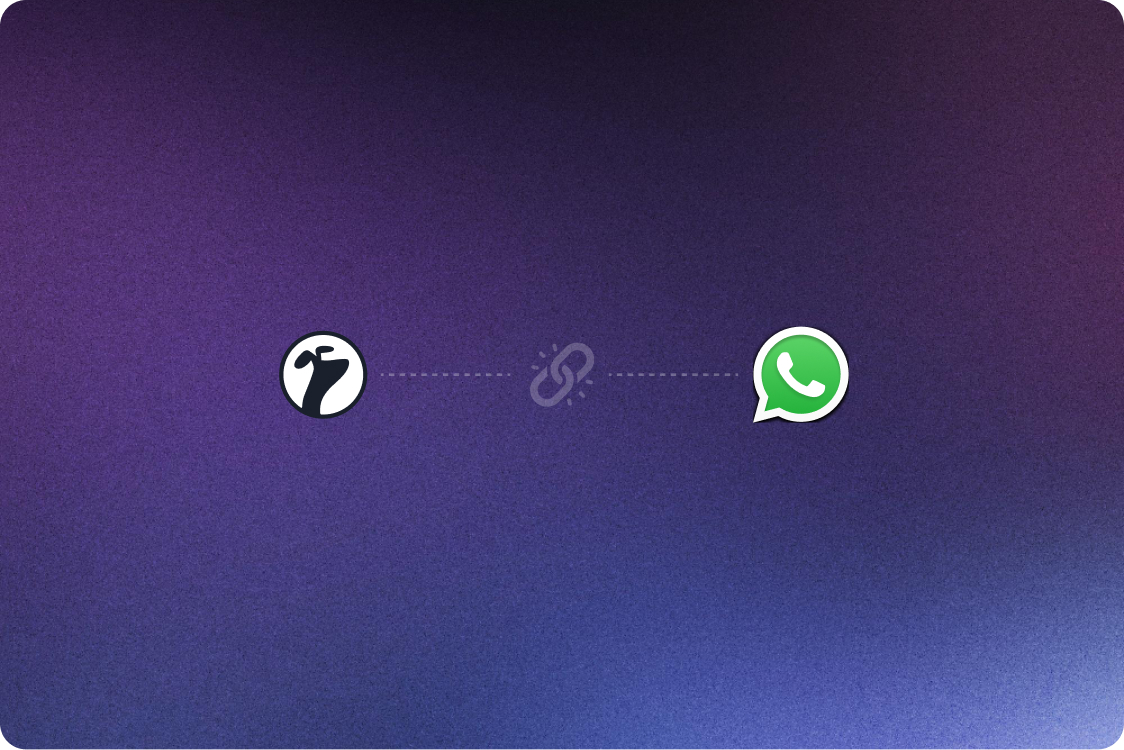
    Get started by enabling Notify by Sembark, connecting WhatsApp API, & configuring your account settings.

    background image
  2. 2

    Configure Triggers & Templates

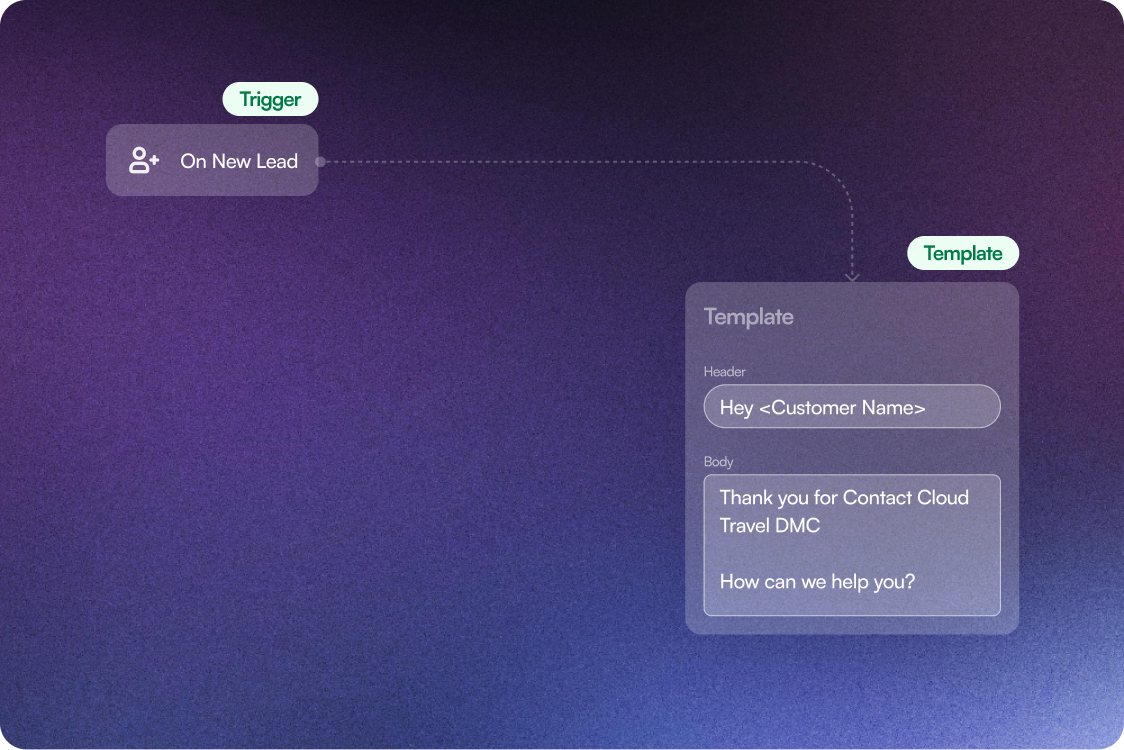
    At once define key events & set up personalised messages/templates to automate across your booking lifecycle.

    background image
  3. 3

    Activate Auto Triggers

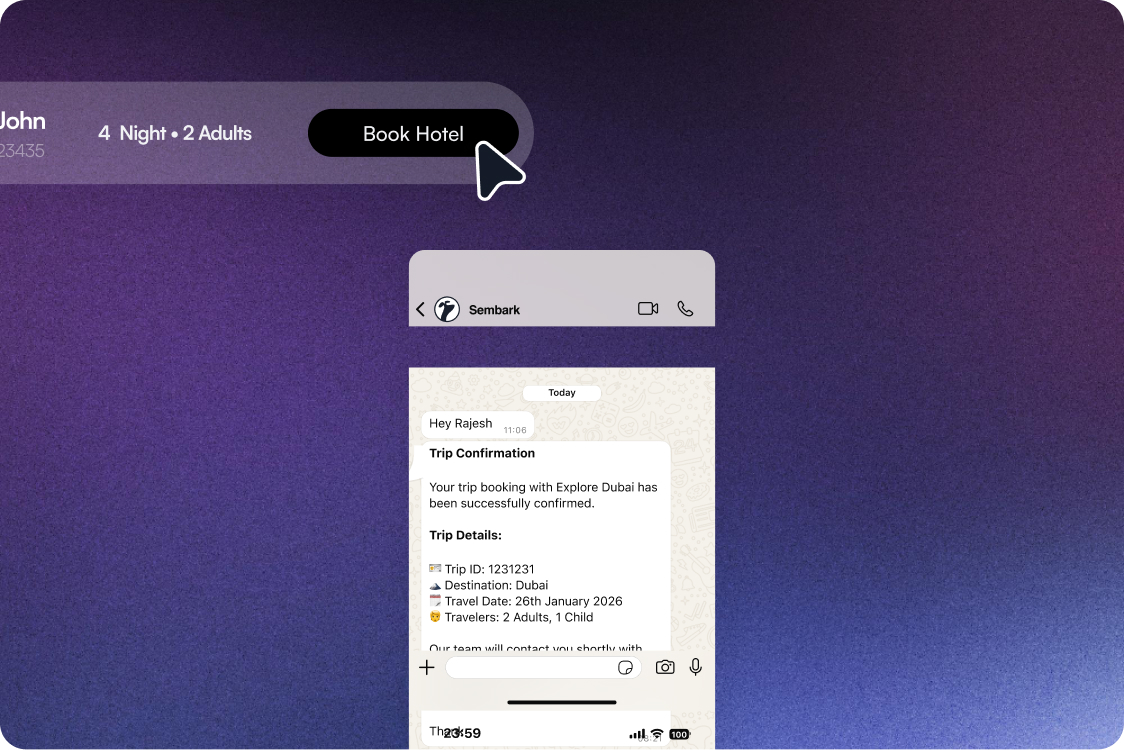
    The system automatically starts sending real-time updates at key stages like booking confirmation, payments, vouchers, and upcoming trips.

    background image
  4. 4

    Internal Team Alerts

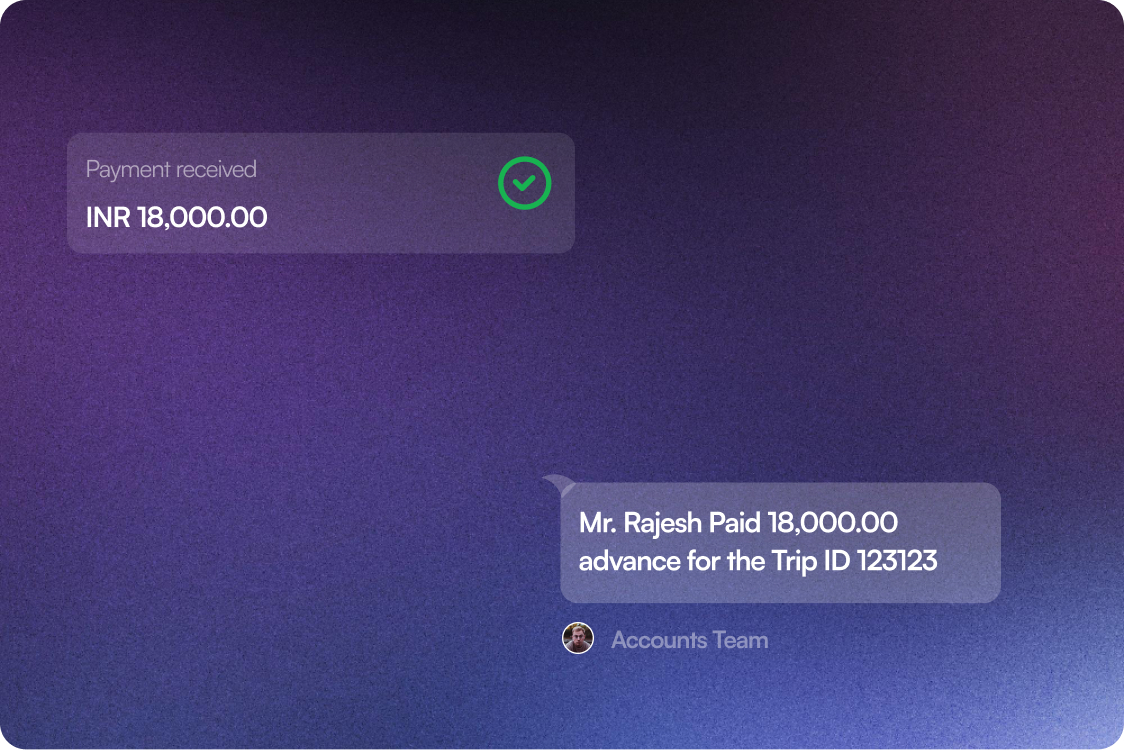
    Automatically notify sales, operations, & accounts on key actions like payments received, bookings converted, and tasks assigned.

    background image
  5. 5

    Automate & Track Communication

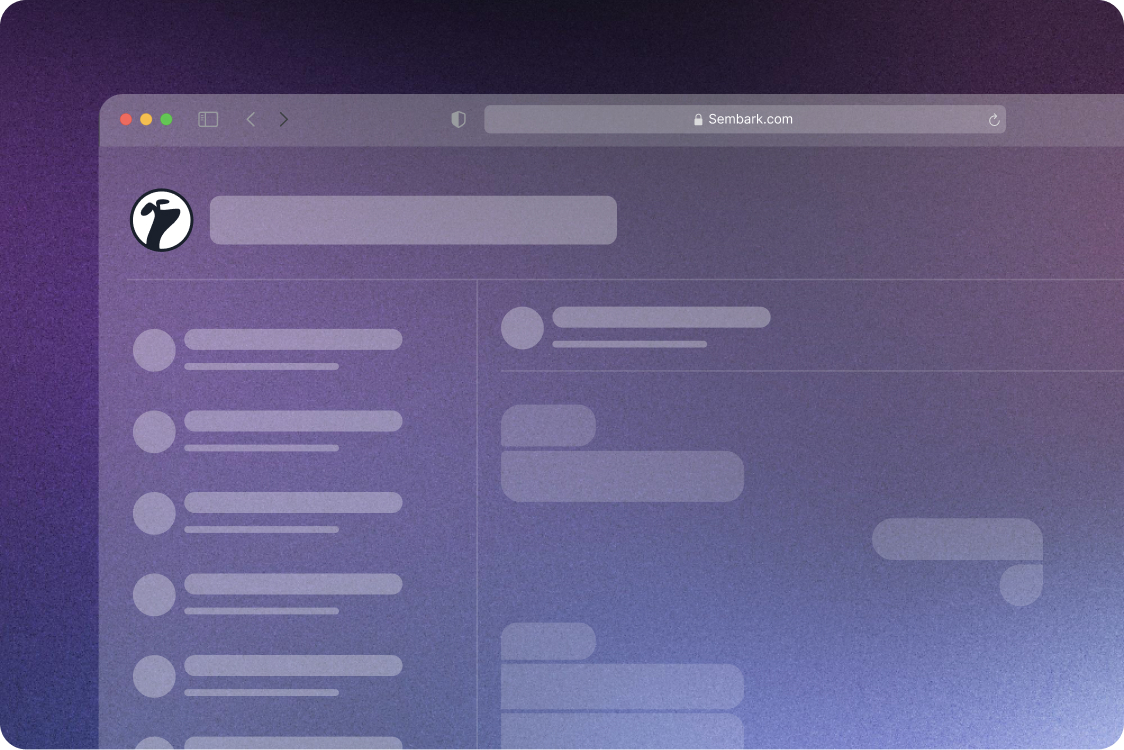
    Automatically engage customers, agents, & teams while tracking message delivery, reads, and complete communication visibility.

    background image

What Happens After You Switch

Notify by Sembark turns constant follow-ups into effortless automation

3x

Faster customer response time

80%

Less Back-and-Forth Messaging

95%

Faster Issue Resolution Time

100%

Control Over Every Conversation

From “Any Update?” to Everything Already Shared

Features that automate every conversation end-to-end automatically

Automated Customer Communication & Delivery
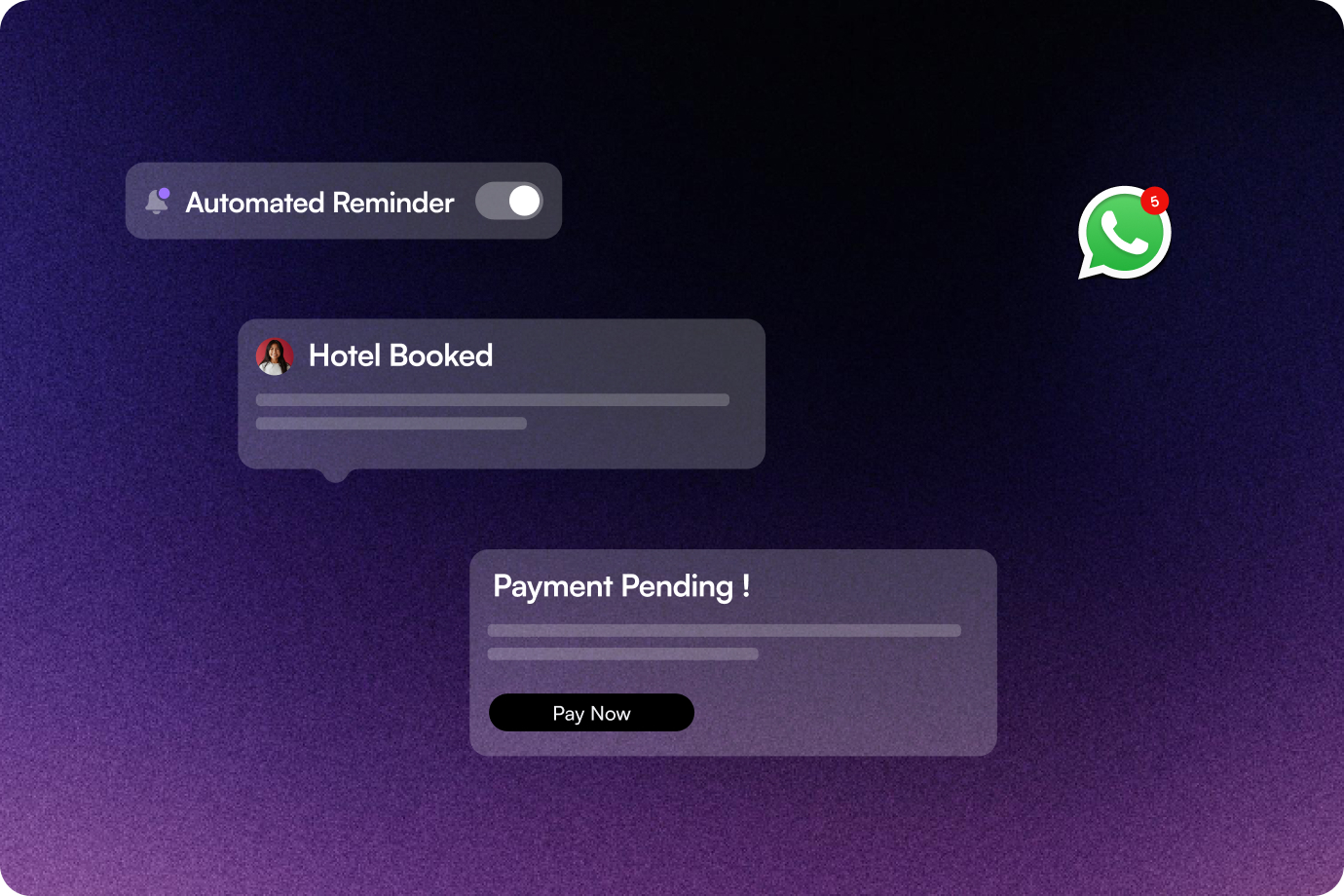
Automatically sends timely alerts before & during the trip to keep customers informed. Automatically shares vouchers, invoices & travel documents without any manual effort.

Image showing Automated Customer Communication & Delivery
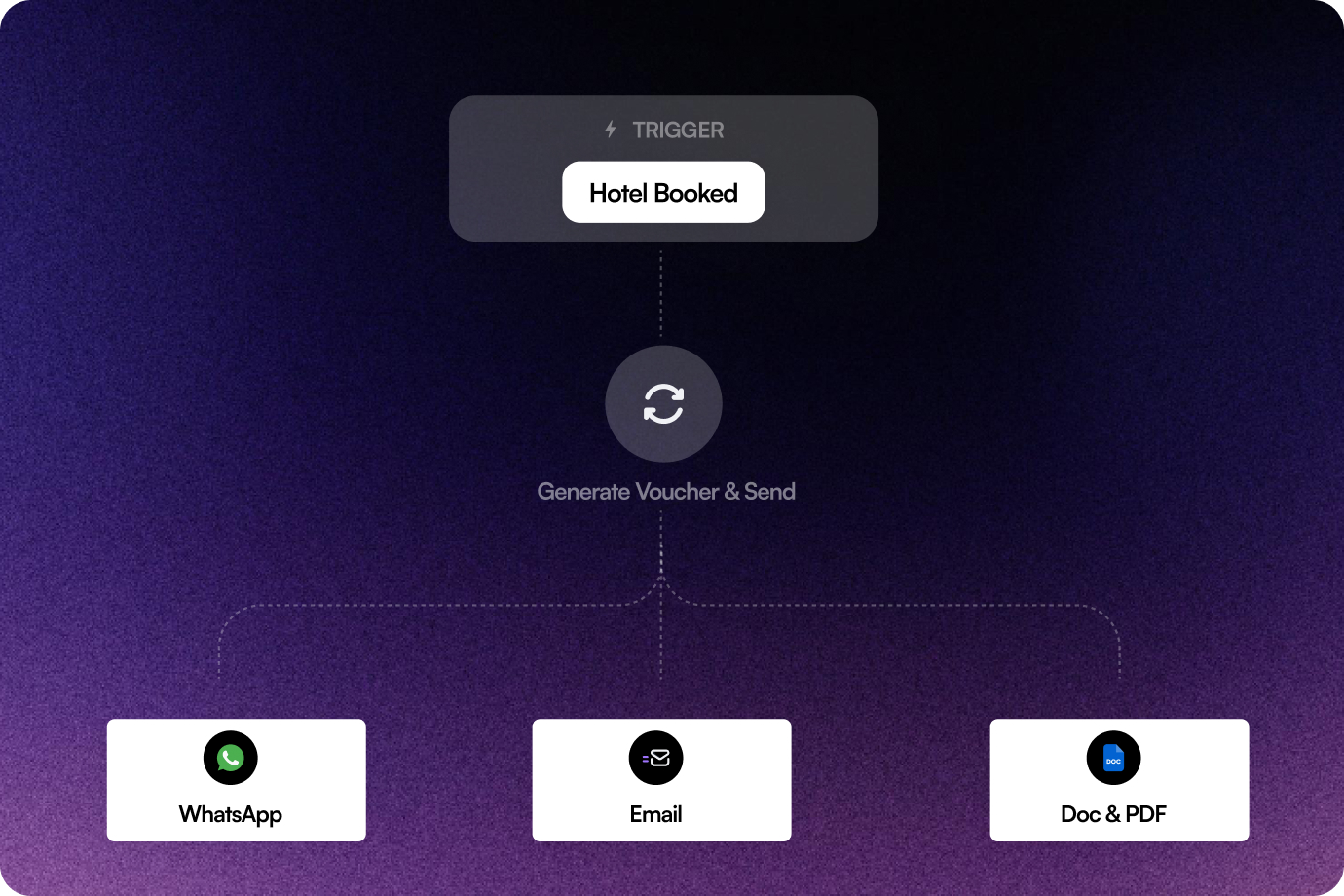
Image showing Multi-Channel Trigger Expansion (Future-Ready)
Image showing In-Dashboard Conversation Control

Multi-Channel Trigger Expansion (Future-Ready)

Designed to extend beyond WhatsApp to email and other channels from the same automation flow.

Image showing Automated Customer Communication & Delivery
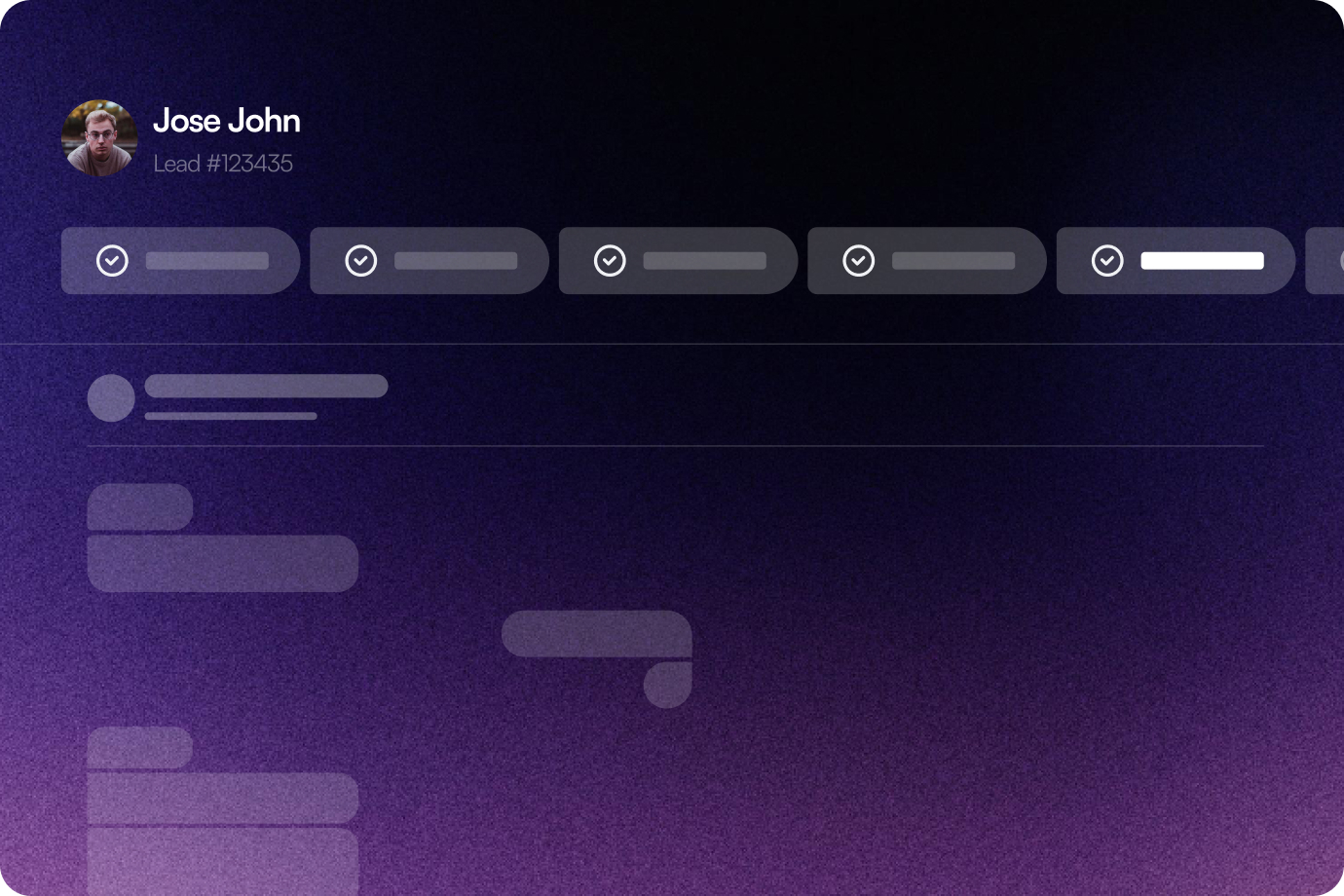
Image showing Multi-Channel Trigger Expansion (Future-Ready)
Image showing In-Dashboard Conversation Control

In-Dashboard Conversation Control

View, track, & manage all WhatsApp conversations directly from the trip ID dashboard. Respond, monitor, & take over chats without switching screens.

Image showing Automated Customer Communication & Delivery
Image showing Multi-Channel Trigger Expansion (Future-Ready)
Image showing In-Dashboard Conversation Control

The Sembark Way

Your Workflow With & Without Notify by Sembark

The Old Way

Typing WhatsApp updates for every booking

Customers always waiting for updates

Confirmations & payments updates always pending

Teams disconnected across sales & ops

Manual payment follow-ups creating delay

The Sembark Way

Automated updates across entire booking lifecycle

Proactive updates sent before they ask

Instant confirmation & payment status updates

Teams aligned with real-time internal alerts

Automated reminders improve payment collections

Request 30 min Demo
Sembark Travel Software

4.9

Google

Google Review

79 reviews

A Personalised Demo Built for Travel Teams

See real workflows, real data, and real results with Sembark

star-rating

Proven Travel CRM

4.9 Star Google Rating

best-support

Real Support

No bots, only experts

winner

Industry Built

Designed exclusively for DMCs

Neptune Holidays Logo

"Employees can easily find and book the most cost-effective and convenient travel arrangements. The software's ability to consolidate various travel options into a single, easy-to-navigate platform"

Testimonial author

- Pankaj Bagri, Director

Frequently Asked Questions

FAQs for Notify

What happens if I want to reply manually?

A salesperson or admin can instantly take over any conversation and respond directly from your Trips Dashboard whenever needed.

Will my team also get notified for internal updates?

Yes, sales, operations, & accounts receive real-time alerts for bookings, payments, & task-related actions in the system and email.

Do I need a separate tool to manage these conversations?

No, everything is managed within your Sembark CRM account; no switching between multiple platforms is required.

Is there a limit to how many messages can be sent?

Messaging scales with your business volume, depending on your WhatsApp API limits.

Still have questions?

Get in Touch with Us
Contact us on WhatsApp