




Features
Guest Document Management
Now Collect Guest Documents Without Follow-Ups
Collect, track, organise, & manage guest documents directly inside Sembark. No More “Sir, Please Send Your Passport.” Send a secure link. Guests upload their documents. Your Travel CRM gets them automatically.
Fast-Growing Travel Companies Powered By Sembark's Guest Document Management












A day in your office
What Travel Teams Deal With Today
Chasing Documents Across Channels
Required documents arrive through different channels and the team has no idea of what is submitted & what’s pending.
Constant back-and-forth with guests
3 follow-ups for a single ID proof delay the whole process & create confusion.
Bulk document handover is complicated
Teams struggle for hours gathering documents that need to be shared with hotels, visa agencies, or airlines.
How It Works
How It Works
- 1
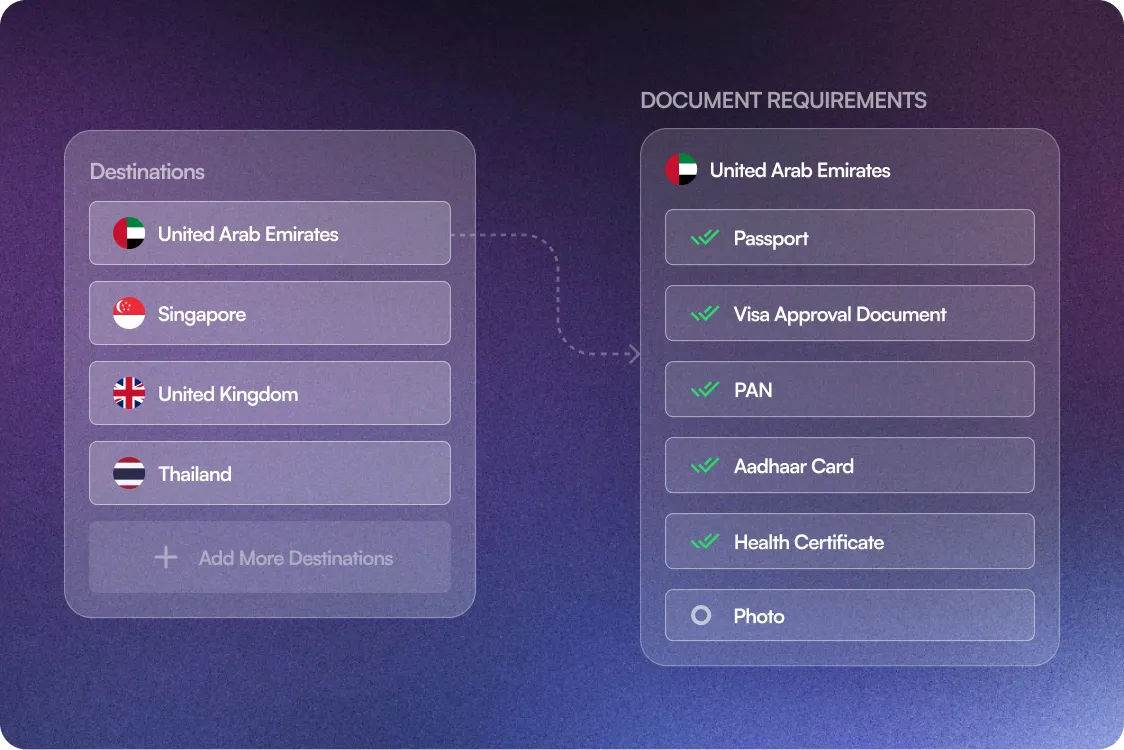
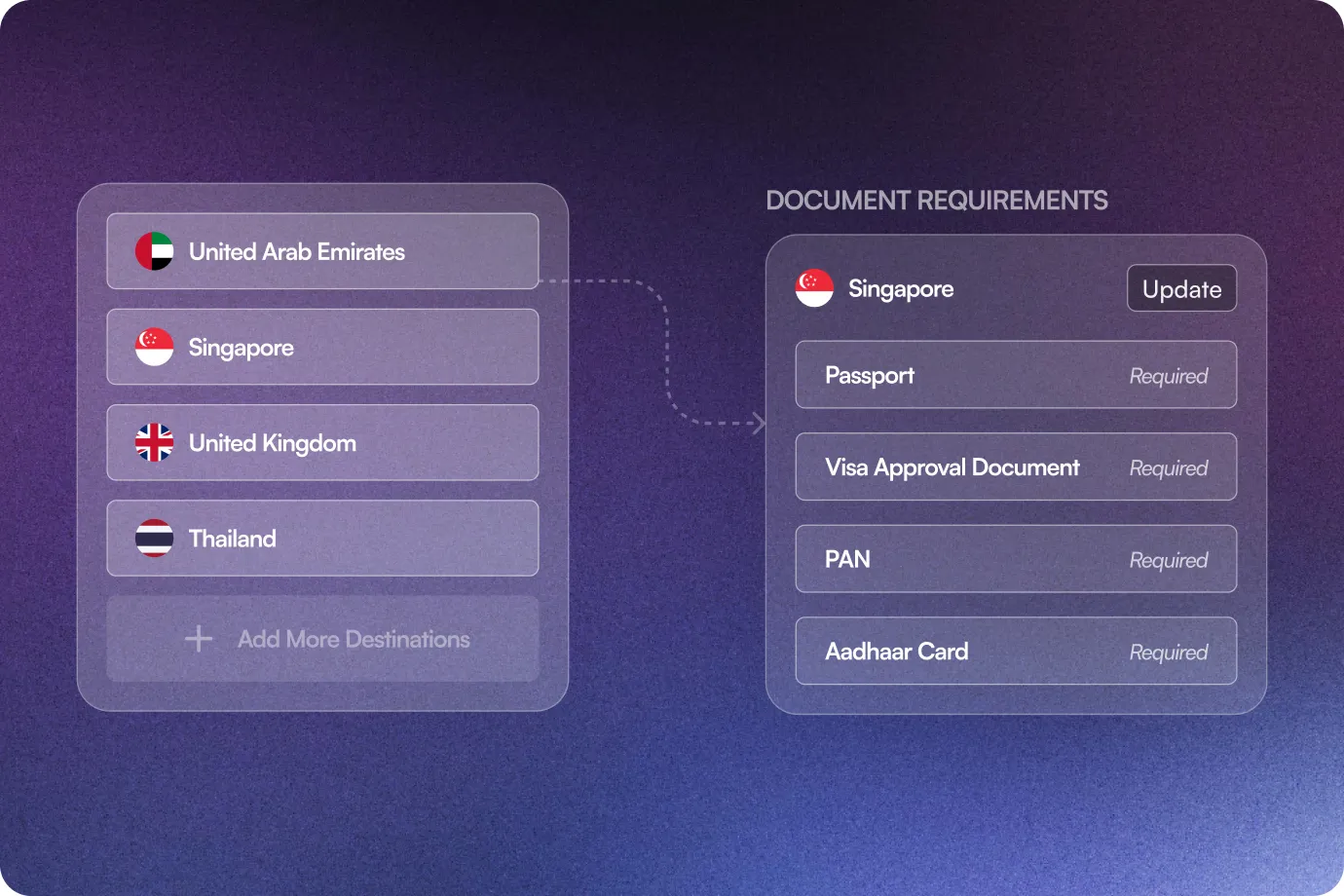
Set Document Requirements by Destination
Map document types such as Passport, Visa, and ID Proof, to specific destinations you serve.
- 2
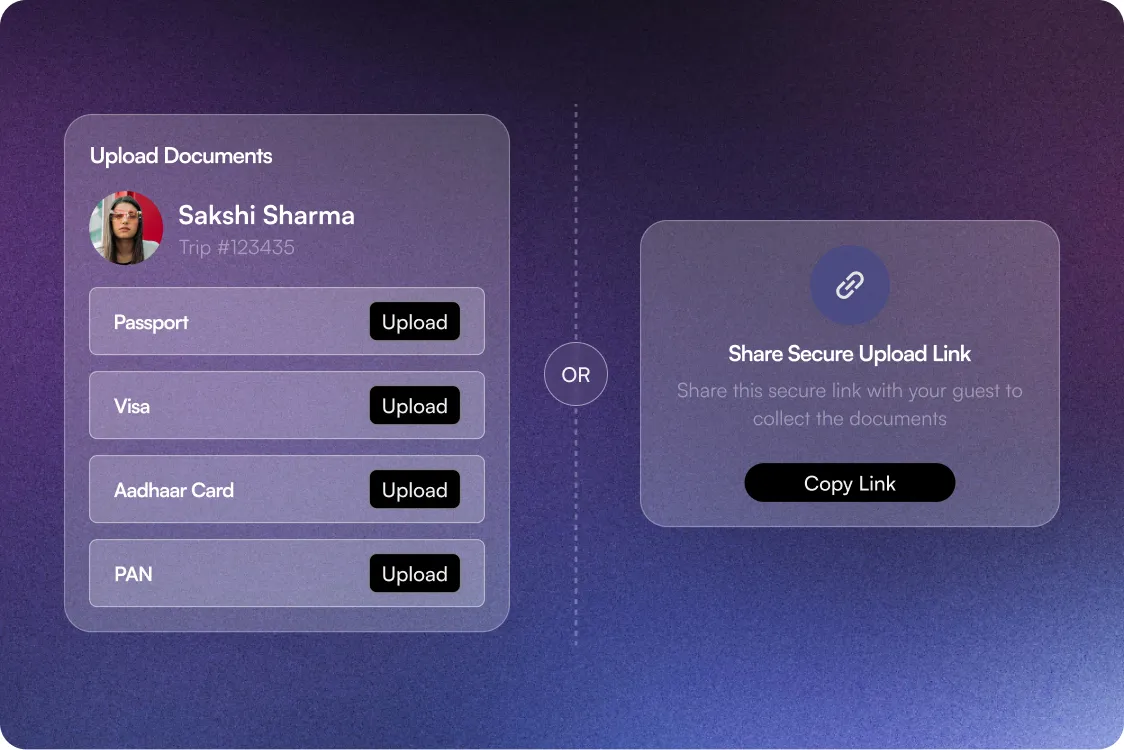
Collect Documents
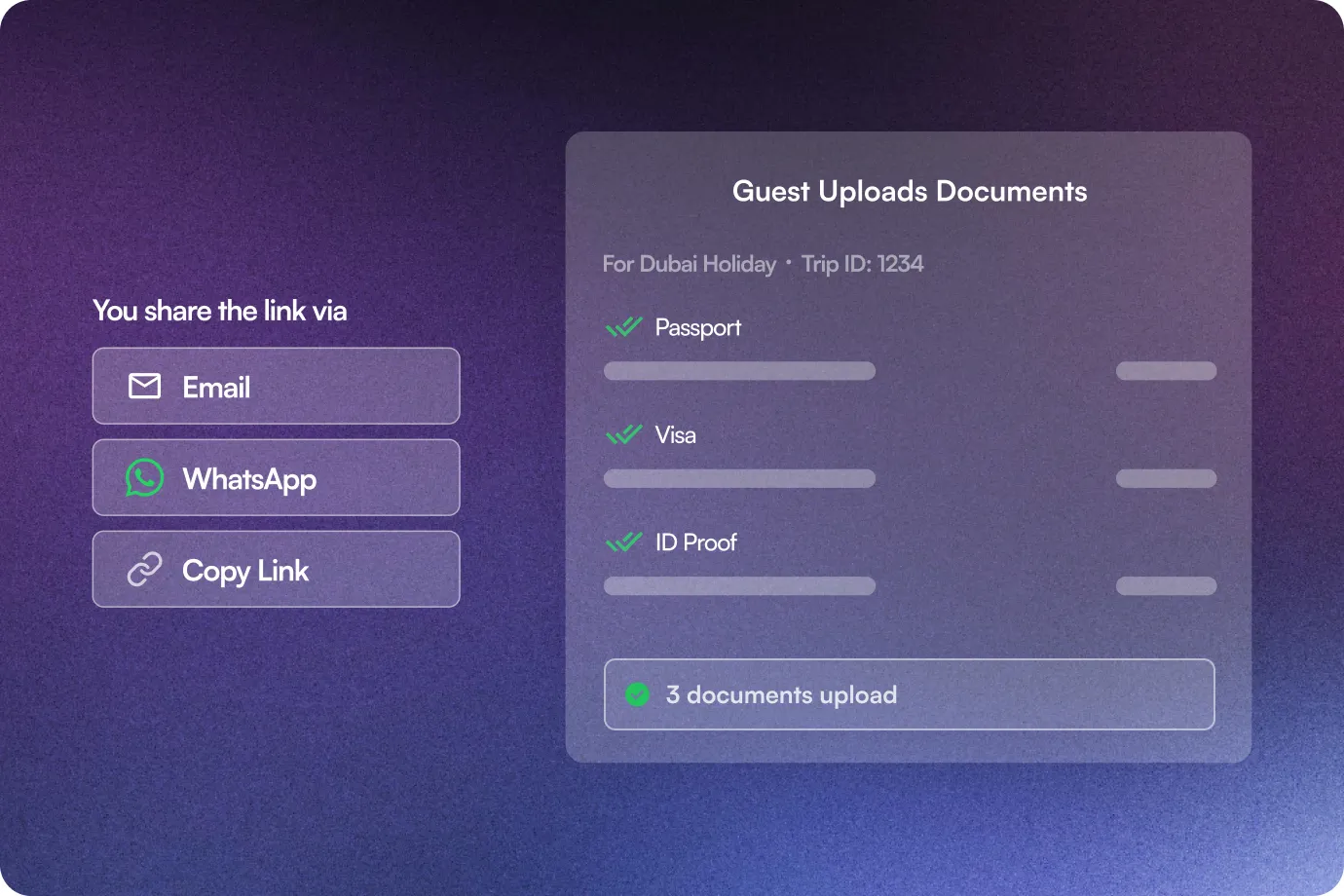
Your team can upload documents directly or generate a secure upload link & share it with guests.
- 3
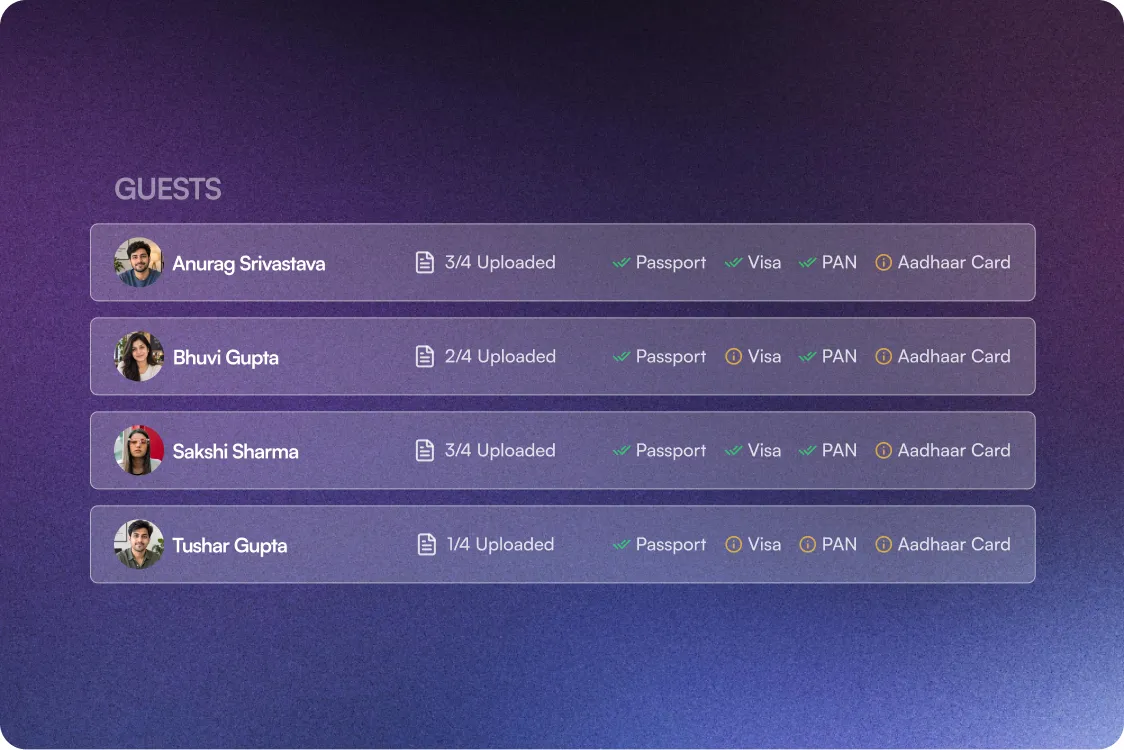
Track & Manage All in One View
One dashboard to track pending documents, uploaded documents, & document counts for every guest.
What Happens After You Switch
What happens after you switch
100%
Data Security
3X Faster
Document Collection
80% Less
Manual Follow-Up
1 Click
Bulk Handover
Stop chasing documents. Start managing them.
Features that help you simplify guest document management
Destination-Based Document Requirements
Map document types to destinations and automatically show the required documents for guests added to a trip.
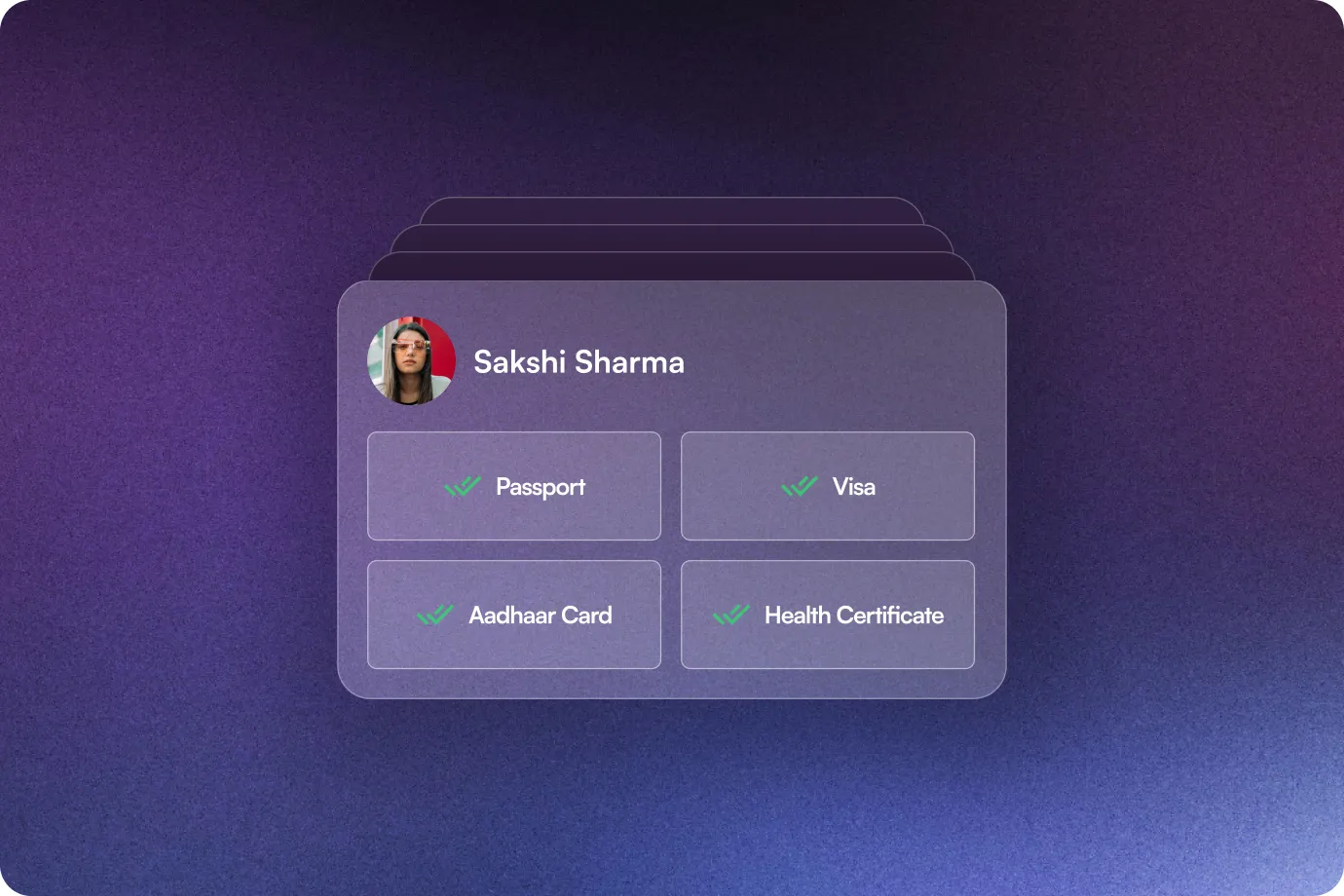
Guest Document Upload
Easily manage all documents, such as passports, visas, and ID proofs, directly for every guest.
10-day secure upload access
Each generated guest upload link remains valid for 10 days
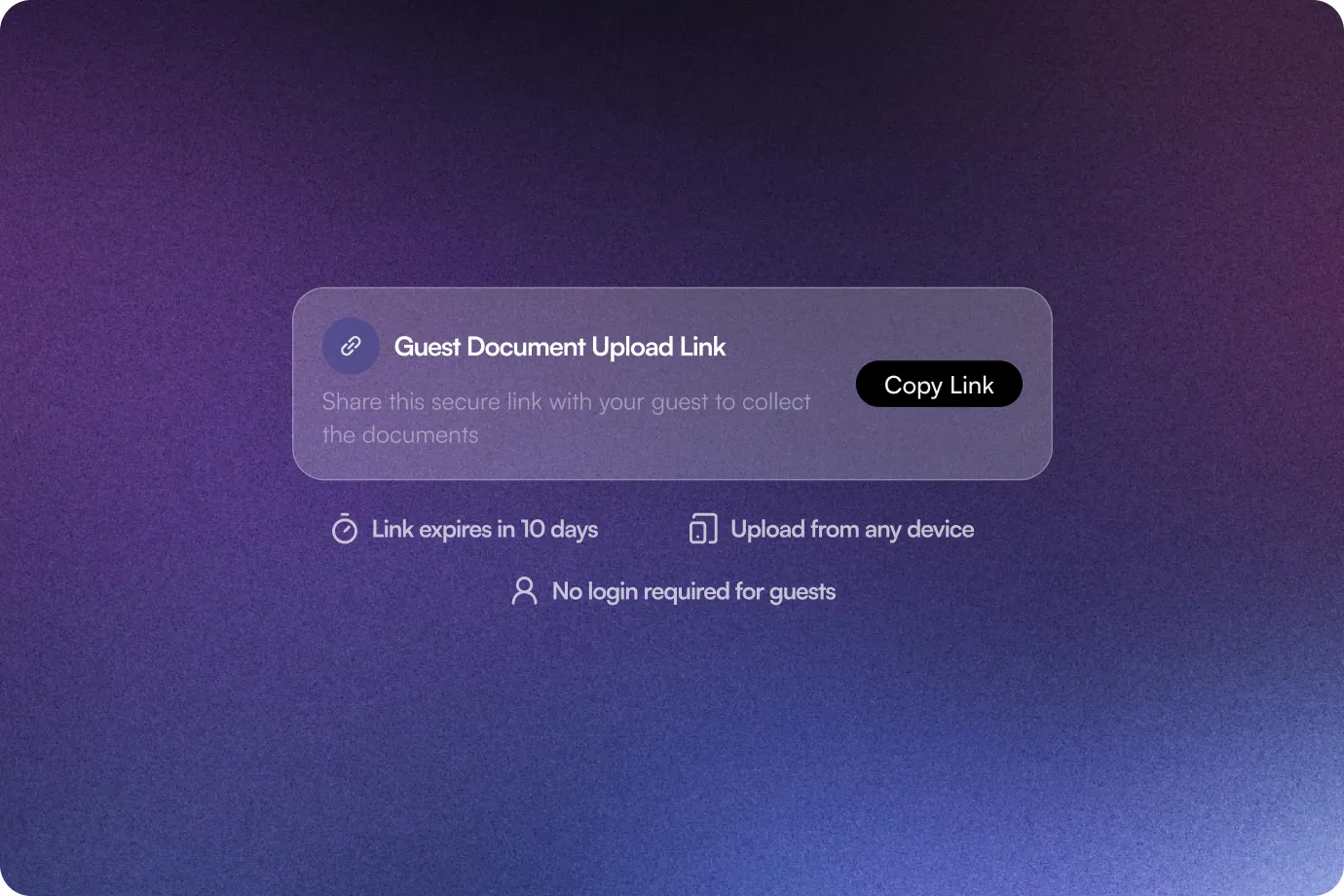
Guest Upload Links
Your team wastes time chasing guests for documents. Send a secure link. Guests upload their documents. Your Travel CRM gets them automatically.
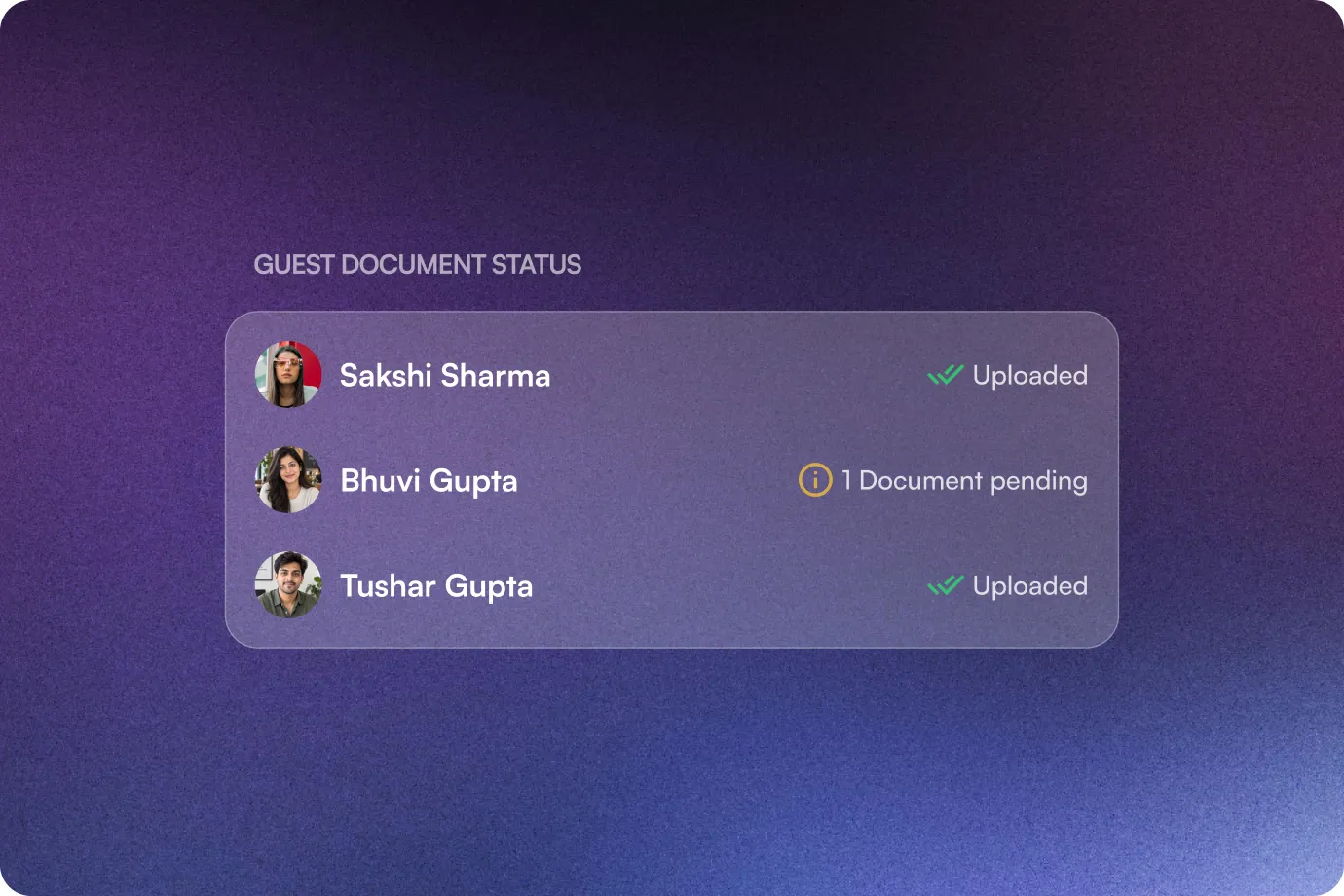
Pending & Uploaded Status
Get a consolidated view of what has been uploaded & what is still pending for every guest.
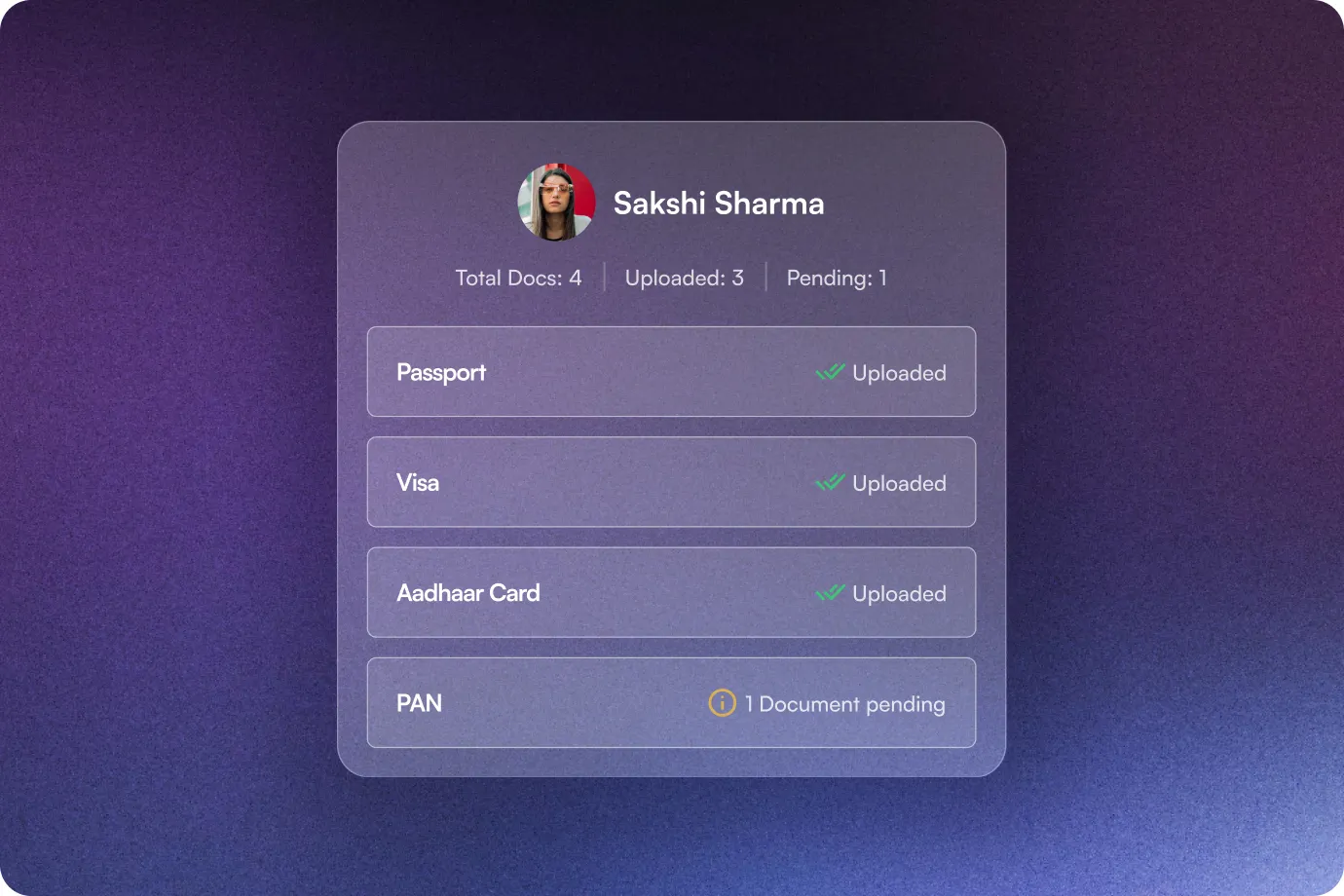
Guest Document Dashboard
View required document counts, uploaded document counts, & pending documents across guests from the Docs section.
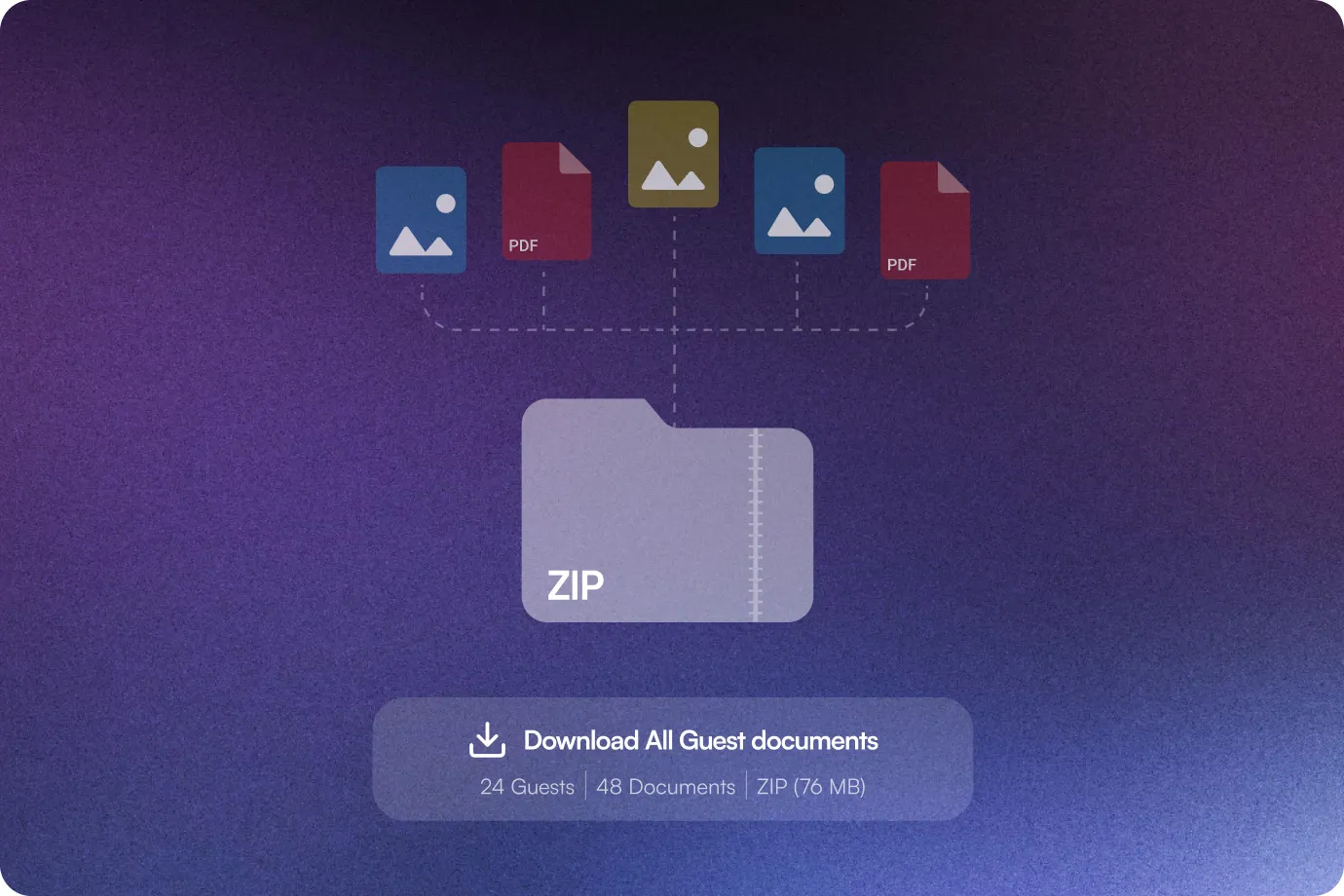
Bulk ZIP Download
Download all guest documents together in a single ZIP file when you need to hand them over to a hotel, visa agency, or airline.
The Sembark Way
Your Workflow: With & Without Guest Document Management by Sembark
The Old Way
Manually track which documents each destination requires
Multiple follow-ups asking guests to send their documents
Manually check what’s pending & what’s done
Gather files individually for handover
The Sembark Way
Automatically define requirements by destination
Share a secure upload link & let guests upload directly
Real-time pending & uploaded document count
Download all guest documents together as a ZIP
Frequently Asked Questions
FAQs
What is Guest Document Management in Sembark?
Guest Document Management allows travel businesses to collect, upload, track, and manage guest documents such as passports, visas, and ID proofs directly inside Sembark.
Can Sembark automatically identify which documents are required?
Yes. Document types can be mapped to specific destinations. When a quotation is created for that destination and guests are added, Sembark automatically displays the required documents for each guest.
Can guests upload their own documents?
Yes. You can generate a secure upload link and share it with guests. They can use the link to upload their pending documents directly.
How long is the guest upload link valid?
The secure guest document upload link remains valid for 10 days from the date it is generated.
Can my team upload documents on behalf of guests?
Yes. Documents can be uploaded directly against individual guests from the Guest Management section.
Can I see which guest documents are still pending?
Yes. The Guests tab under the Docs section provides a consolidated view of pending and uploaded documents, along with the total required and uploaded document counts.
Can I download all the guest documents together?
Yes. Sembark allows you to download all guest documents together as a ZIP file, or download an individual guest’s documents separately.
Can guests delete or replace an uploaded document?
No. Once a guest uploads a document through the shared link, they cannot delete or replace it themselves. Your team can delete the document from the dashboard and ask the guest to upload it again if required.
Still have questions?
Get in Touch with Us