







Features
Tourist Profile Management
Turn Every Past Guest Into a Known Customer
Create a centralised profile for every repeat traveller to keep their personal details, travel preferences, billing information, documents, and trip history ready for their next enquiry.
Fast-Growing Travel Companies Powered By Sembark's Tourist Profile Management












A day in your office
What Travel Teams Deal With Today
Repeat customers start from zero
Your team asks for the same basic details every time-even from customers who have travelled with you before.
Customer preferences get lost
Preferred hotels, meals, flights, room types, special occasions, etc. live in WhatsApp chats, emails, or someone's memory.
Your team can't instantly see the customer's history
Previous trips, quotations, destinations and spending context aren't available when the next enquiry comes in.
How It Works
How It Works
- 1
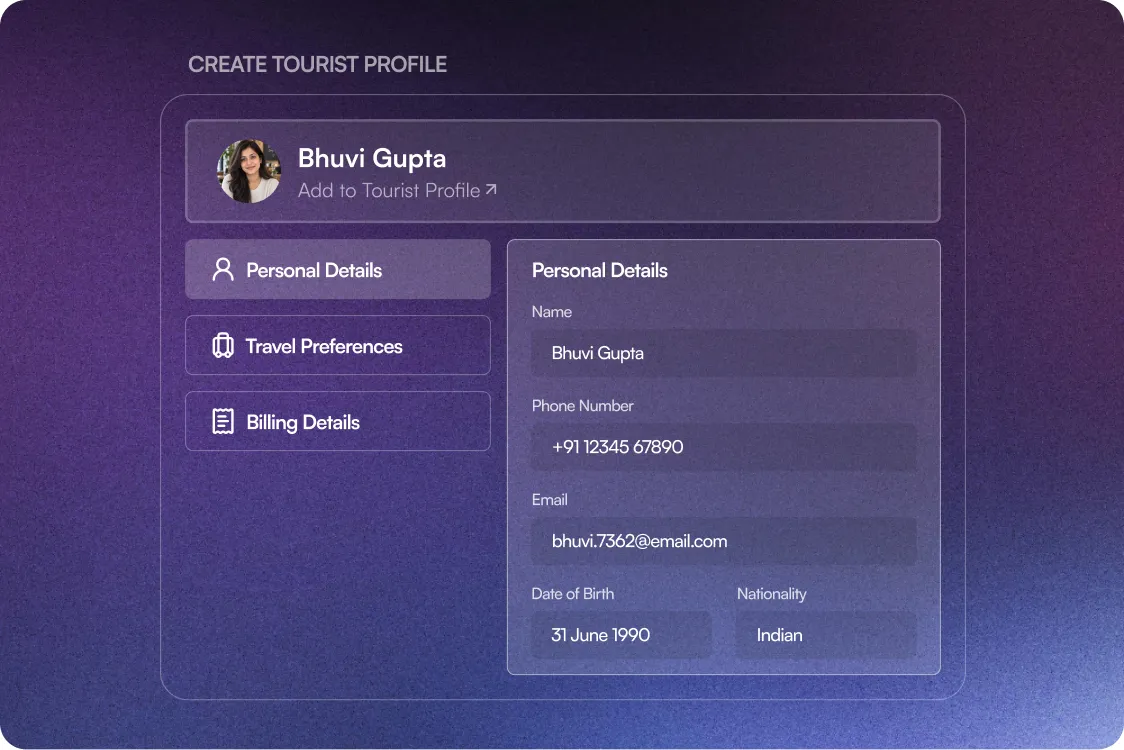
Create a Tourist Profile
Convert a guest into a Tourist Profile by adding their travel preferences, personal details, & billing information.
- 2
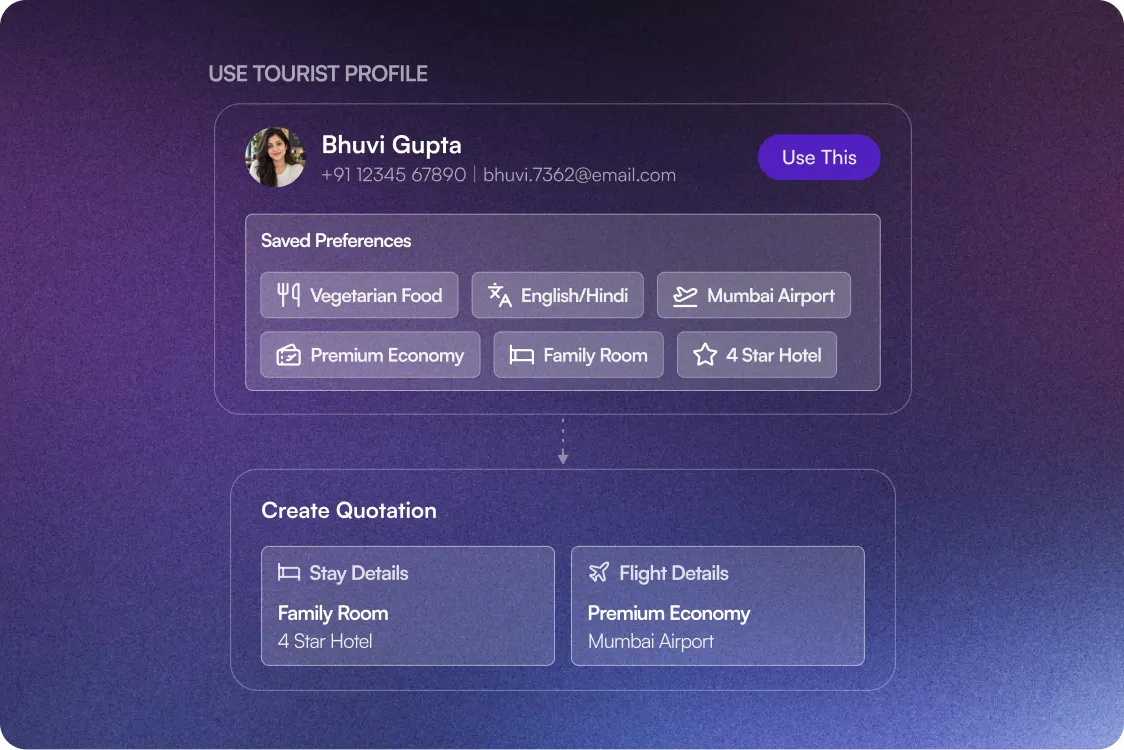
Personalise the New Enquiry
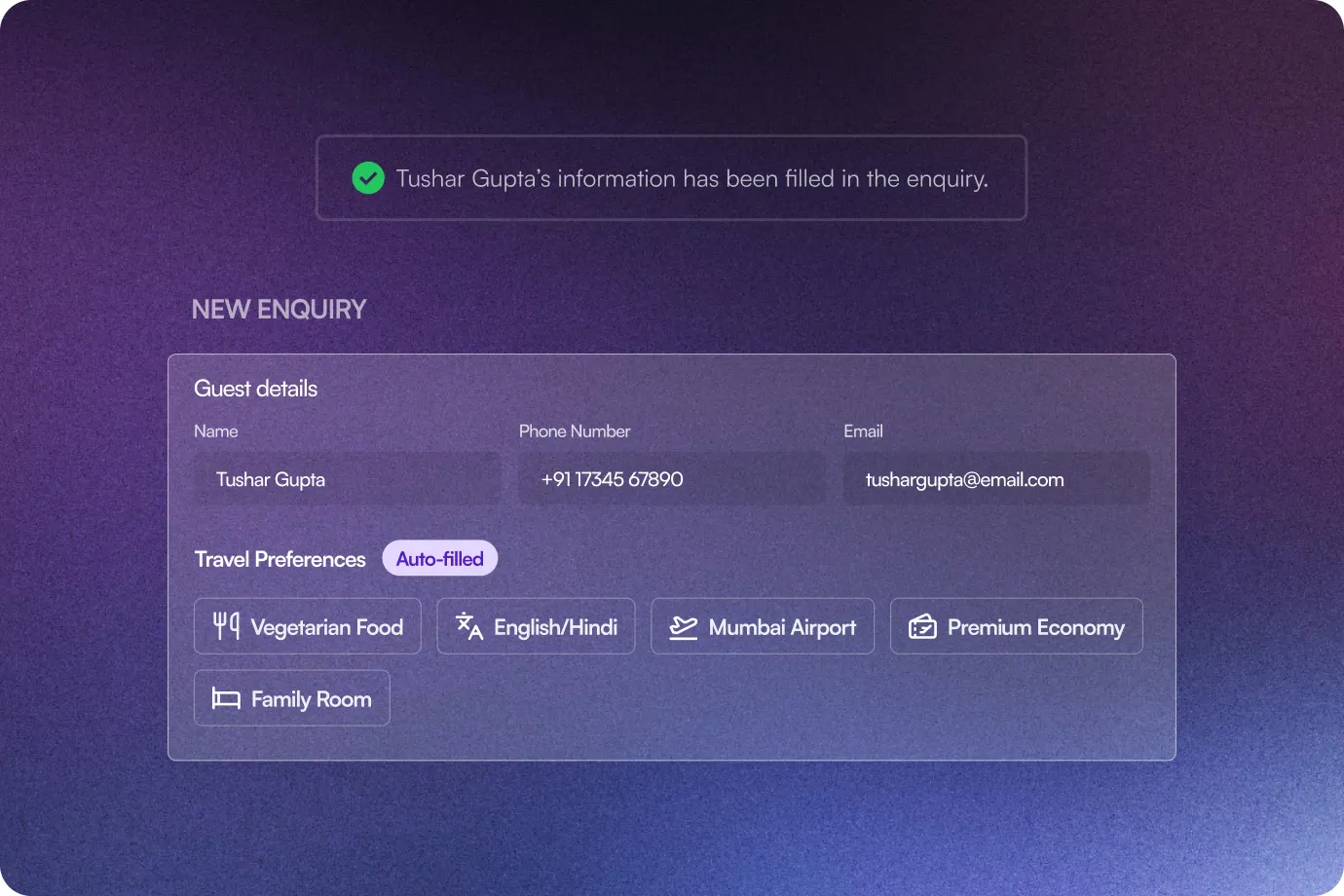
Click Use This to auto-fill the guest details and carry their saved preferences into the new quotation. Their preferences are also displayed directly while preparing the quotation.
- 3
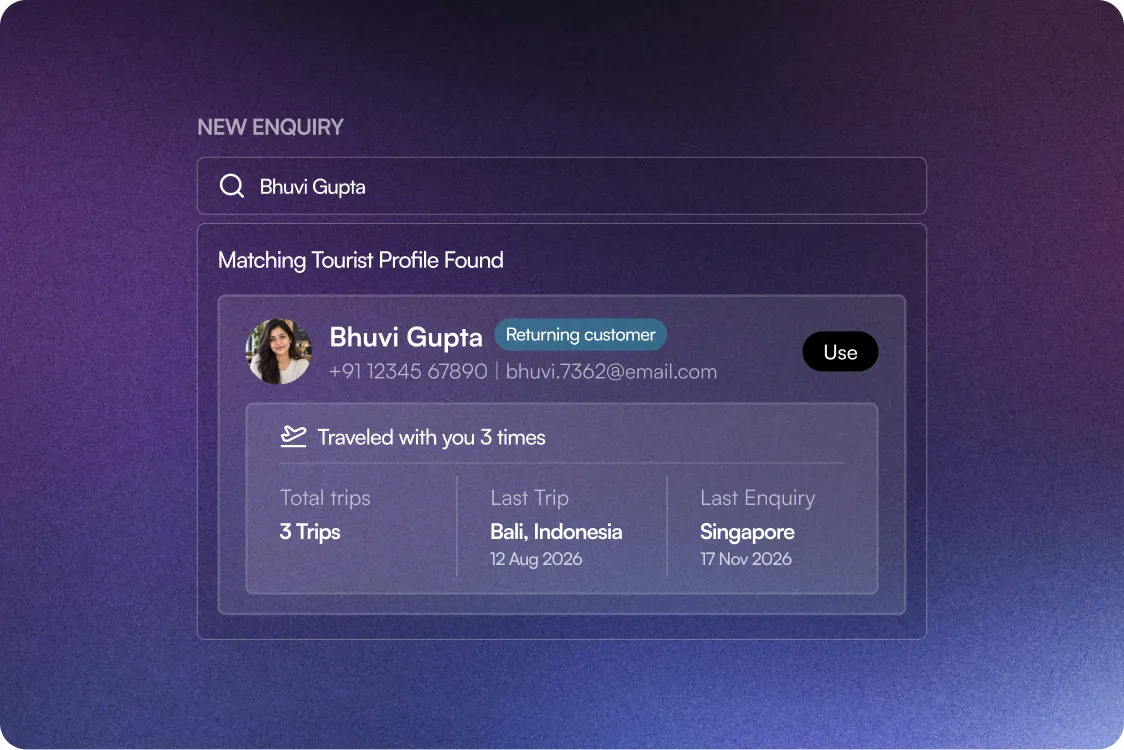
Recognise Returning Travellers
Sembark searches existing profiles using their name, mobile number, or email address and suggests a matching Tourist Profile every time you make a query.
What Happens After You Switch
What happens after you switch
80%
Reduced repetitive work
90% Less
Data Entry
100%
Data Security
0
Lost Preferences
Stop making repeat travellers repeat themselves.
Features that help you personalise every traveller experience
Complete Tourist Profiles
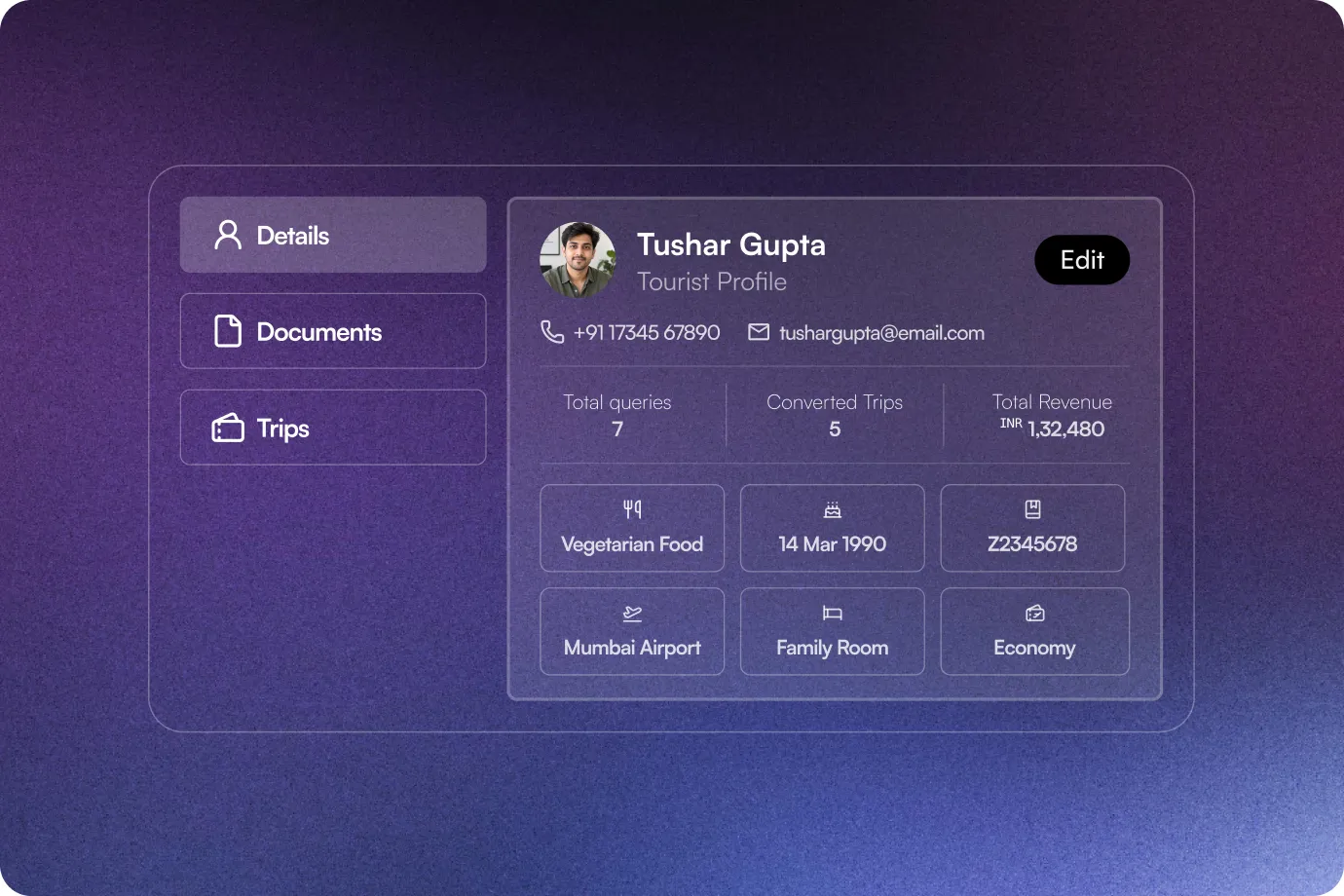
Store personal details, travel preferences, billing information, tax details, and documents against each customer.
Smart Tourist Profile Suggestions
Sembark automatically finds existing profiles when you enter a guest's name or contact number or email address in a new enquiry.
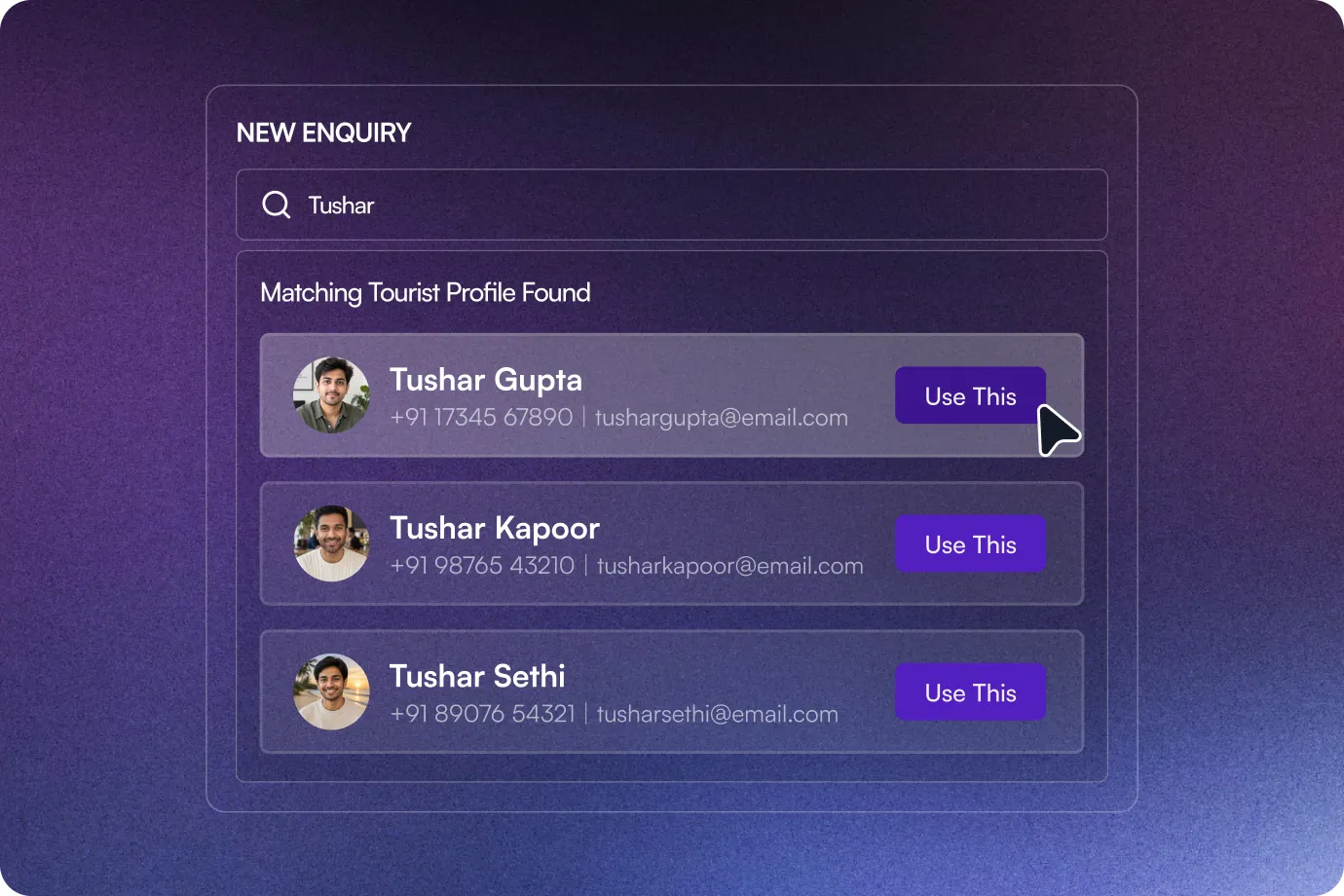
One-Click Auto-Fill
Select Use This to populate the new enquiry with information from the matching Tourist Profile.
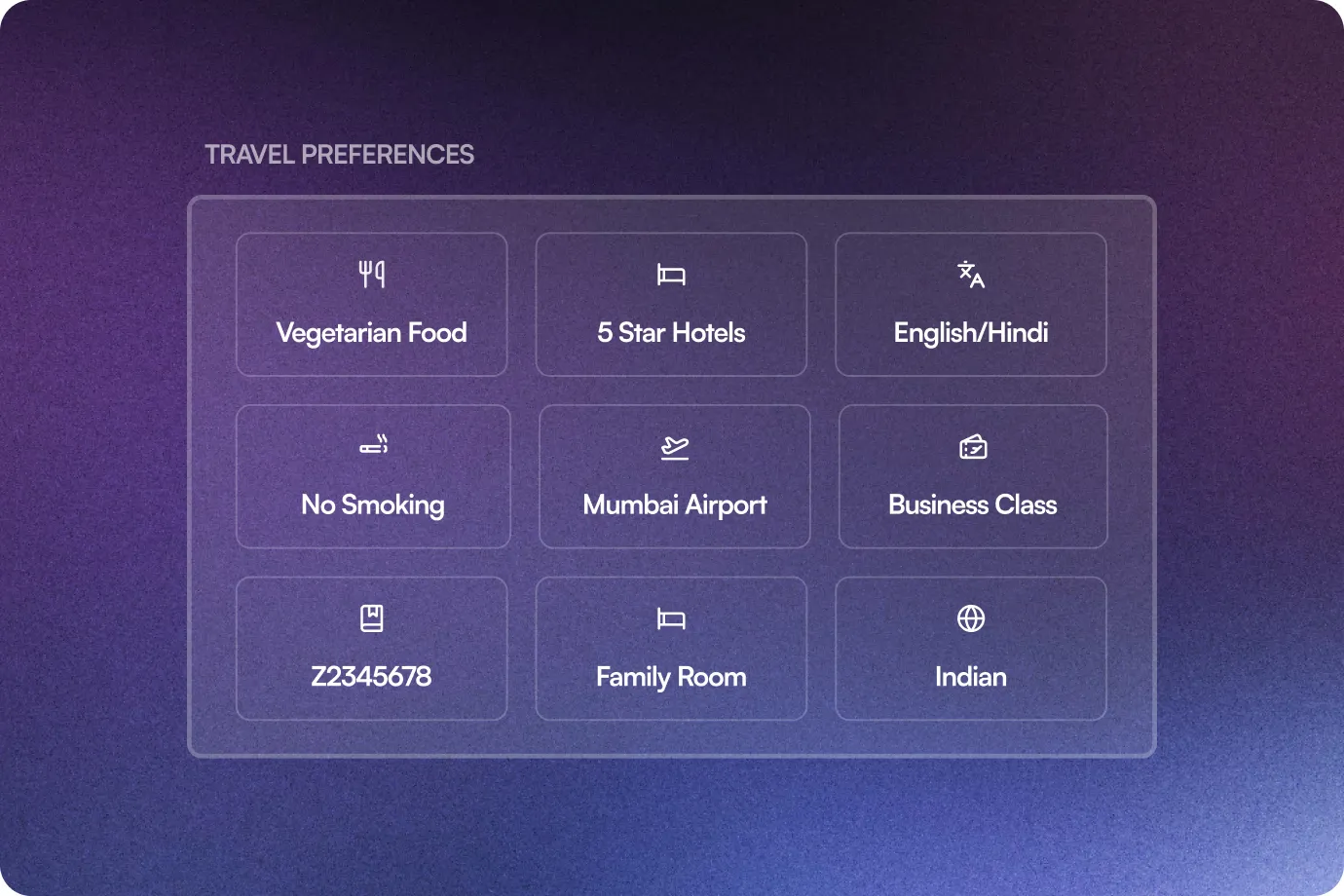
Travel Preferences
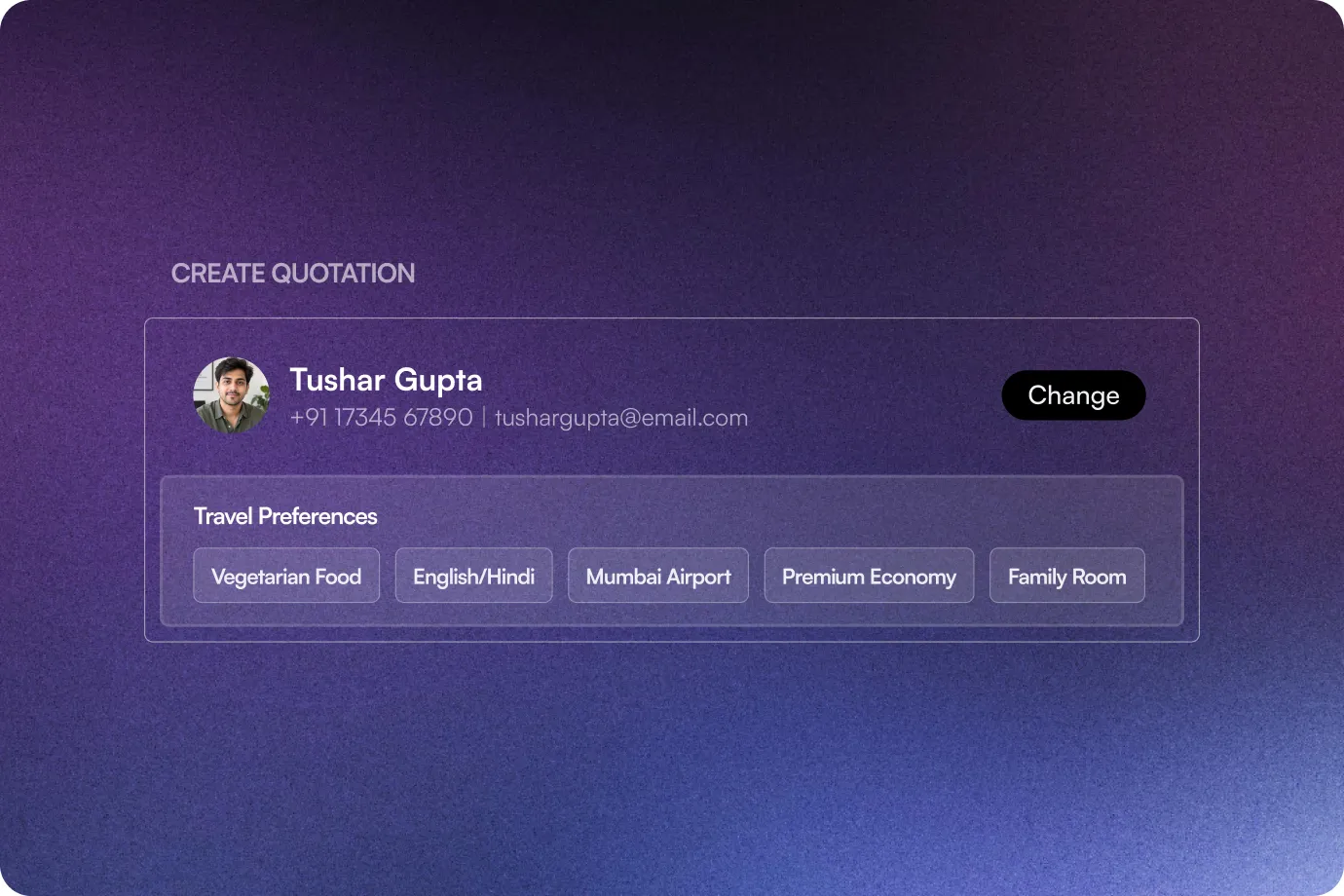
Store preferences such as meal preference, preferred stay, language, preferred airport, flight class, smoking preference, and other requirements.
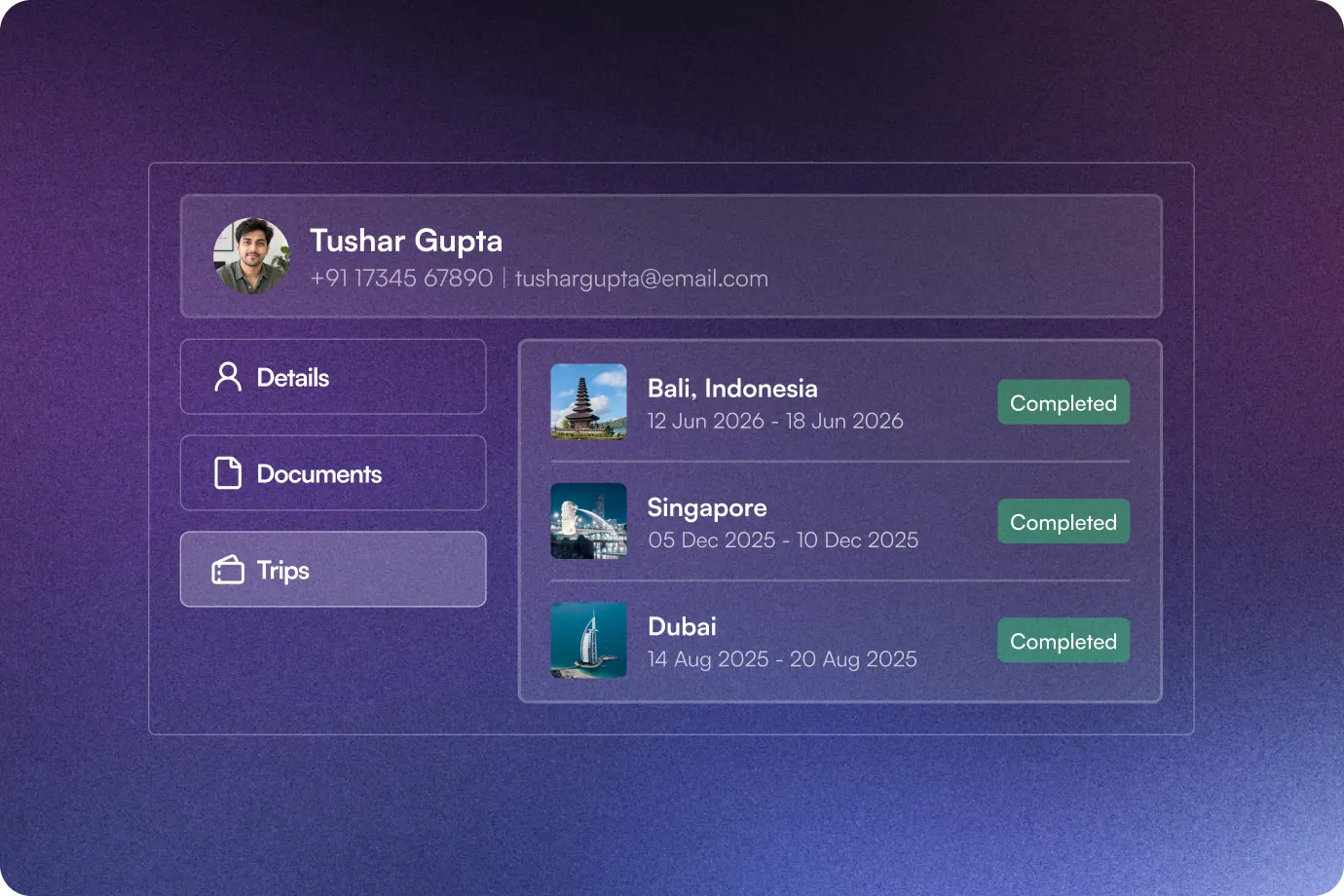
Trip & Enquiry History
Get visibility into the traveller's previous trips, latest enquiry, last destination, and latest quotation.
Preferences in Quotation
Bring saved traveller preferences directly into the quotation header so your sales team can personalise the quote while working on it.
The Sembark Way
Your Workflow: With & Without Tourist Profile Management by Sembark
The Old Way
Ask repeat travellers for their details again
Search old conversations for preferences
Manually enter guest details for every enquiry
Depend on your team's memory for personalisation
Search across past trips to understand a customer
The Sembark Way
Reuse their saved Tourist Profile
See saved preferences in the quotation
Auto-fill details with one click
Keep traveller preferences centrally stored
View trip, enquiry, destination, and quotation history
Frequently Asked Questions
FAQs
What is Know Your Guest in Sembark?
Know Your Guest allows travel businesses to maintain a centralised profile for customers, including personal details, travel preferences, billing information, documents, and travel history.
How does Sembark identify a returning traveller?
When guest details are entered on the New Query page, Sembark searches existing Tourist Profiles using the guest's name, mobile number, or email address.
Can Sembark automatically fill guest details from an existing profile?
Yes. When Sembark identifies a matching Tourist Profile, your team can select Use This to auto-fill the guest details and link the enquiry to the existing profile.
What traveller preferences can I store?
You can store preferences including meal preference, preferred stay, language preference, preferred airport, flight class preference, anniversary date, smoking preference, tags, and other preferences.
Can I see a tourist's previous travel information?
Yes. The enhanced Tourist Listing provides information such as the last trip, last enquiry date, last destination, last quotation, and quotation stage.
Still have questions?
Get in Touch with Us