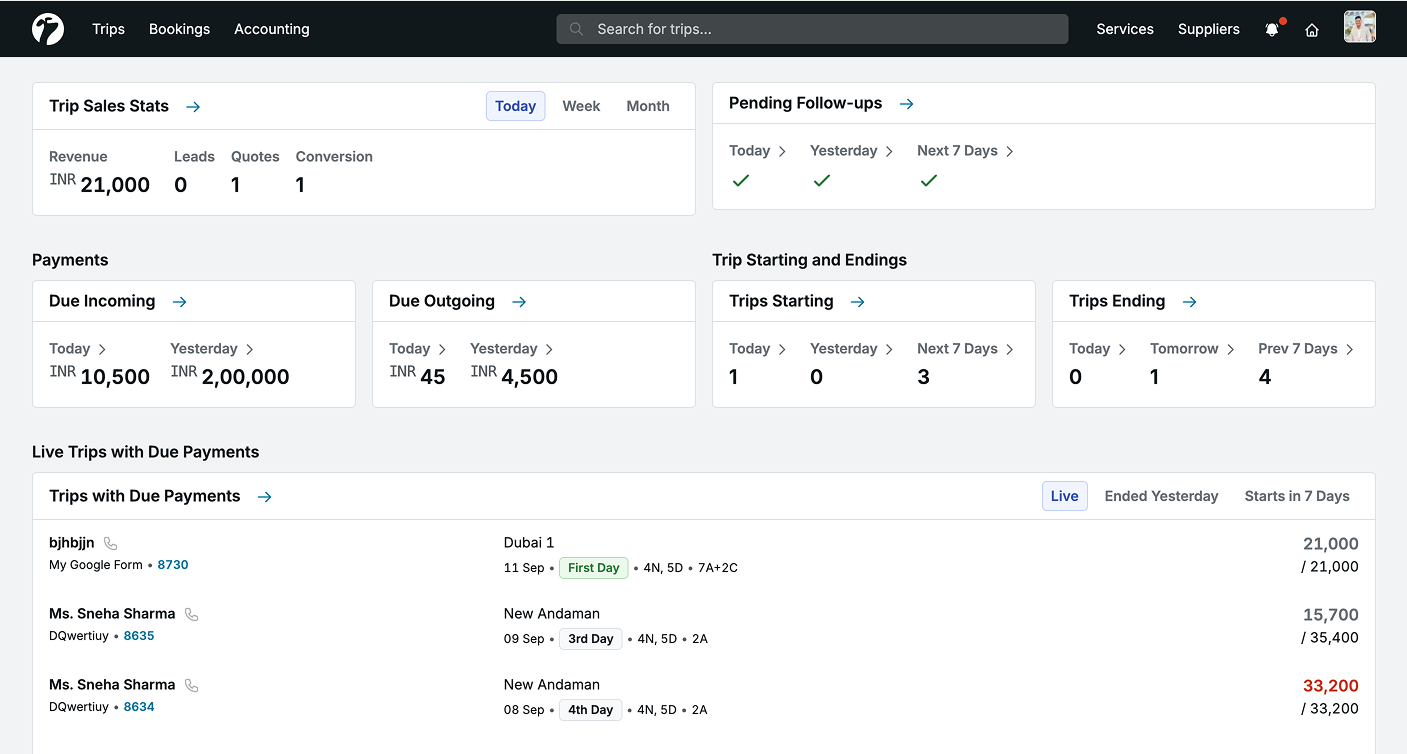
Dashboard Widgets
Trip Sales Stats
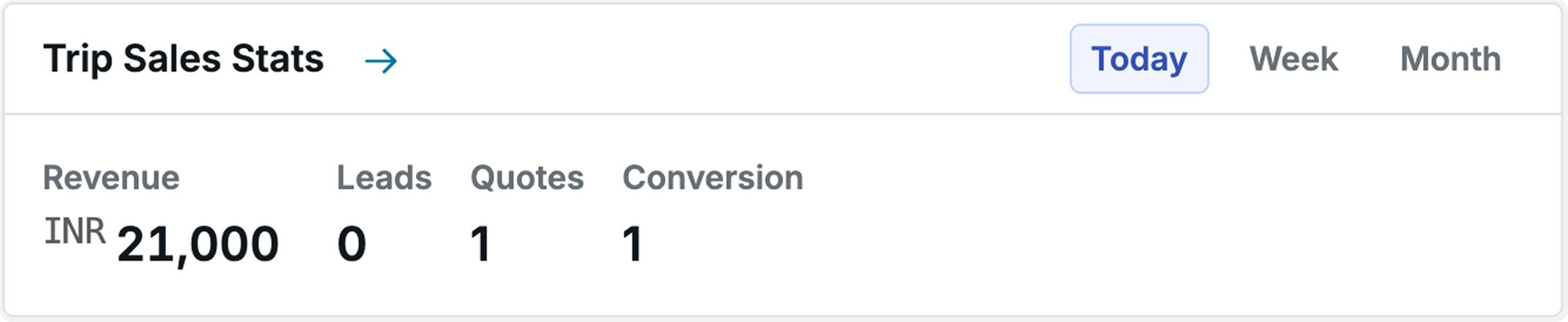
The Trip Sales Stats section provides a quick overview of your team’s sales performance. You can view sales data across Today, Weekly, or Monthly periods. Admins and authorised users can use these stats to quickly monitor overall sales activity, including:
- Revenue: Total revenue generated in your operational currency
- Total Leads Received: Number of leads received during the selected period
- Total Quotes Created: Number of quotes created during the selected period
- Total Trip Conversions: Number of trips successfully converted during the selected period
Pending Follow-ups
The Pending Follow-ups section helps you track pending and completed customer follow-ups in one place. Admins and Team Managers can view and filter follow-ups for team members, while individual users can manage their own follow-ups.

Payments - Due Incoming
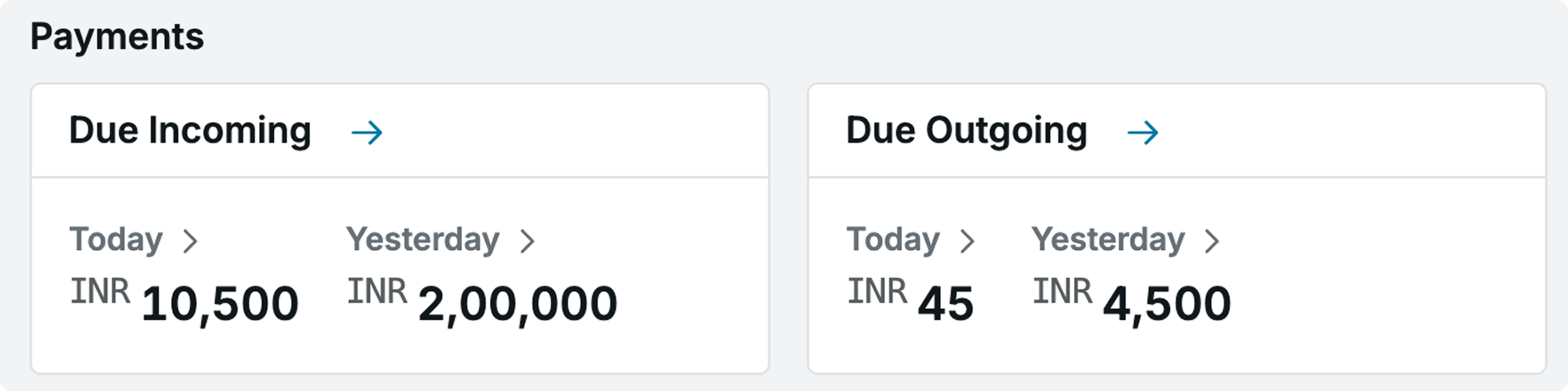
The Due Incoming section helps you track payments that are expected to be collected from customers. You can view the total incoming amount against the relevant trip sources and filter the data based on available date filters such as Today and Yesterday.
Payments - Due Outgoing
The Due Outgoing section helps you track payments that need to be made to:
- Hotels
- Third-party suppliers
- Customers for trip cancellation refunds
You can use the available filters to view upcoming outgoing payments and manage payment requirements.
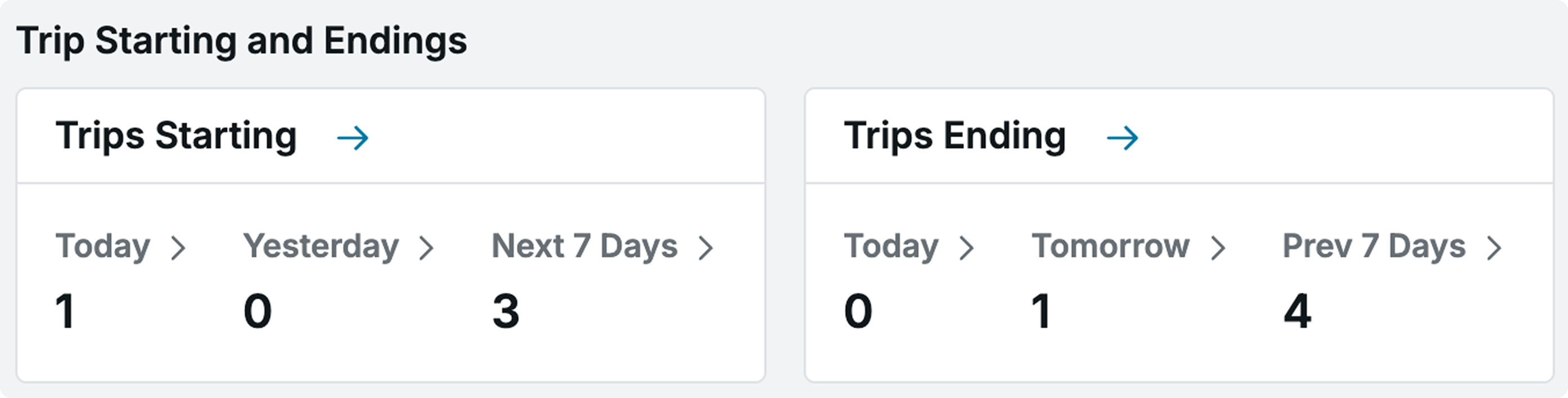
Starting and Ending Trips
The Starting and Ending Trips section provides a quick overview of trips that are starting or ending. You can filter trips by Today, Yesterday, Next 7 Days, or Past 7 Days. Click any count to view the complete trip list and help the Operations Team plan and manage trip activities more effectively.
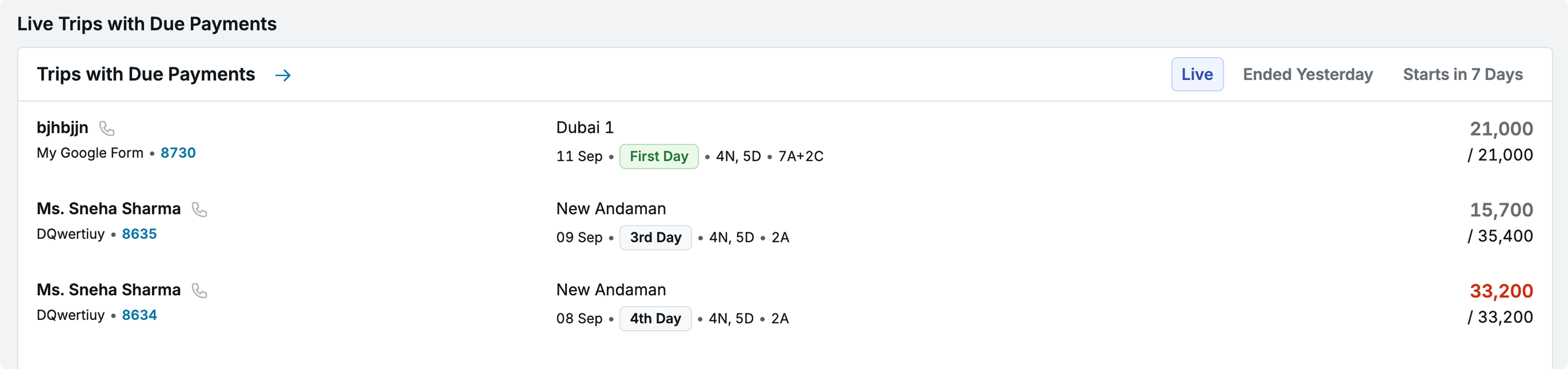
Live Trips with Due Payments
The Live Trips with Due Payments section highlights live trips and trips starting within the next 7 days that have pending customer payments.
This helps teams identify trips with outstanding payments and take the required action before the trip starts.
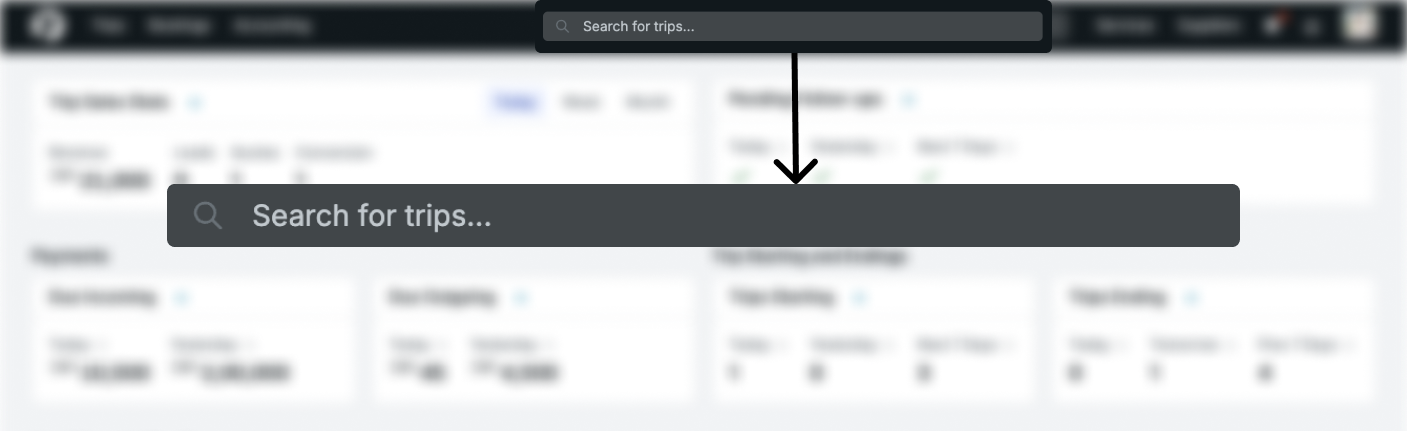
Global Search
Use the Global Search bar in the top navigation to quickly find a trip using its Trip ID, Guest Name, or Phone Number. You can search across different trip stages. Archived data, including old cancelled or completed trips, can also be included using the Fresh / Archived Data toggle and Advanced Filters. The top navigation also displays the number of pending follow-ups for today, giving you quick access to tasks that need your attention.
What’s New
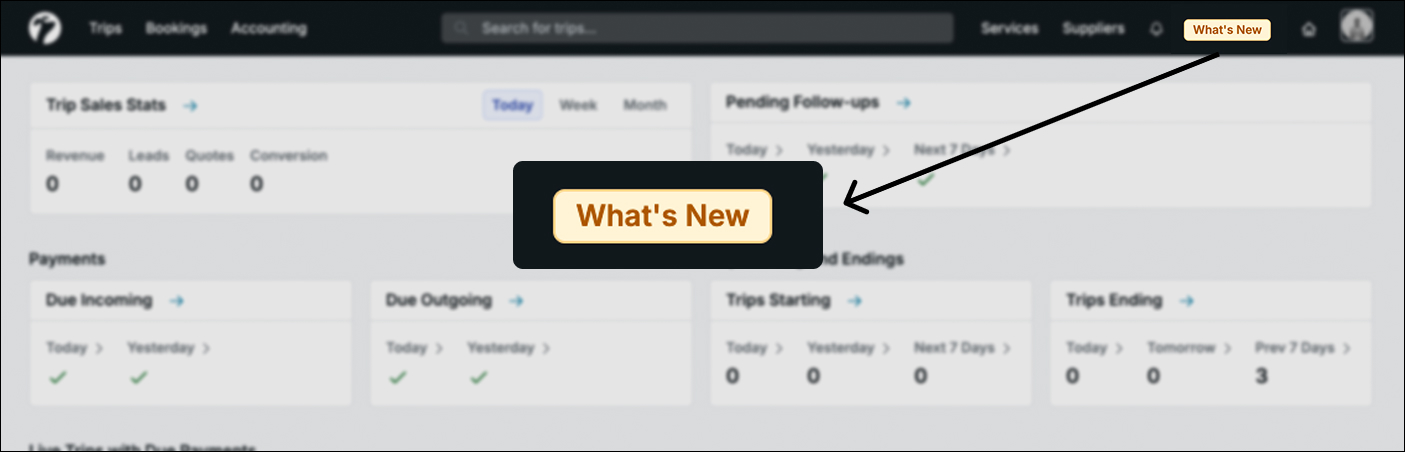
The What’s New option keeps you updated about the latest Sembark improvements and feature updates. After a software update, the What’s New button is highlighted for a short time. Click it to view the latest Release Notes.
You can also access the Release Notes anytime from the top-right menu.