





Visa services are connected directly to the trip and its guests, so documents, application status and supplier payments for multiple guests across multiple trips stay in one place instead of being spread across spreadsheets, emails or third-party tools.
New to visa services in Sembark? See the Visa Management feature page for an overview of what the module offers.
Visa Workflow
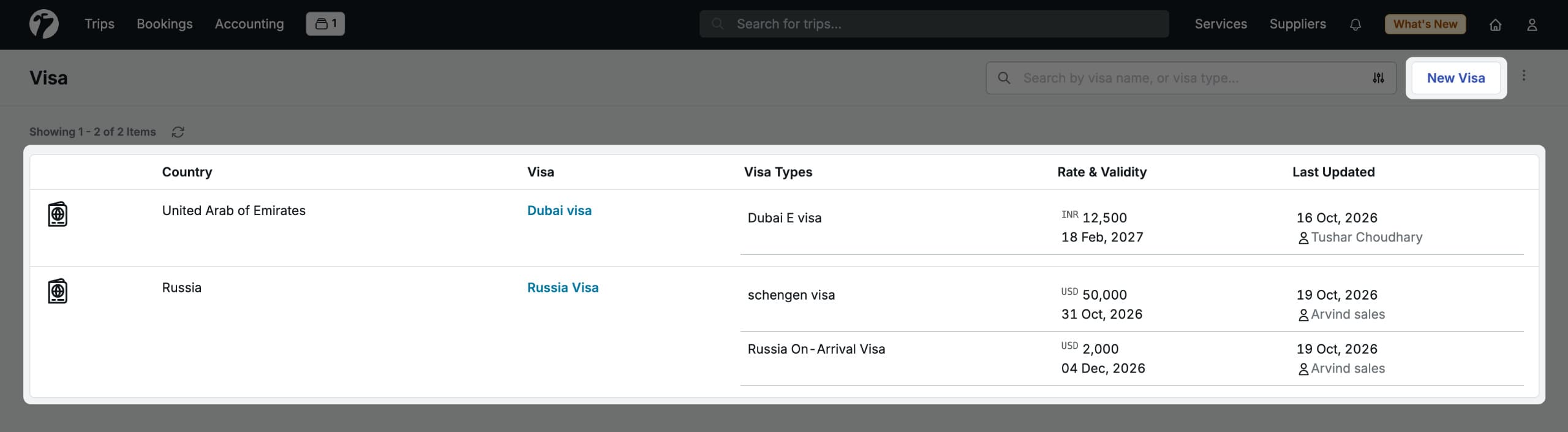
- Set up a visa service for the required country with its visa types and document requirements.
- Add the visa service to a quote when creating the trip.
- Share the quote with the customer, including the list of required documents.
- Convert the quote into a trip. The visa details move to the Service Booking page.
- Assign guests to visa types and share the document upload link.
- Collect customer documents through the upload link. They appear in Sembark automatically.
- Review the documents and update the booking status at each stage (Document Received, Appointment Scheduled, In Progress, Approved).
- Download approved visa documents per guest from the guest Documents section.
In This Section
- Set Up Visa Services — create a visa service, define required documents and configure visa types.
- Visa in Quotes — add a visa service to a quote and share the document list with the customer.
- Visa Bookings — assign guests, collect documents, record supplier payments and download guest-wise documents after conversion.
- Visa Booking Status — every stage of a visa application, from Document Received to Approved.